
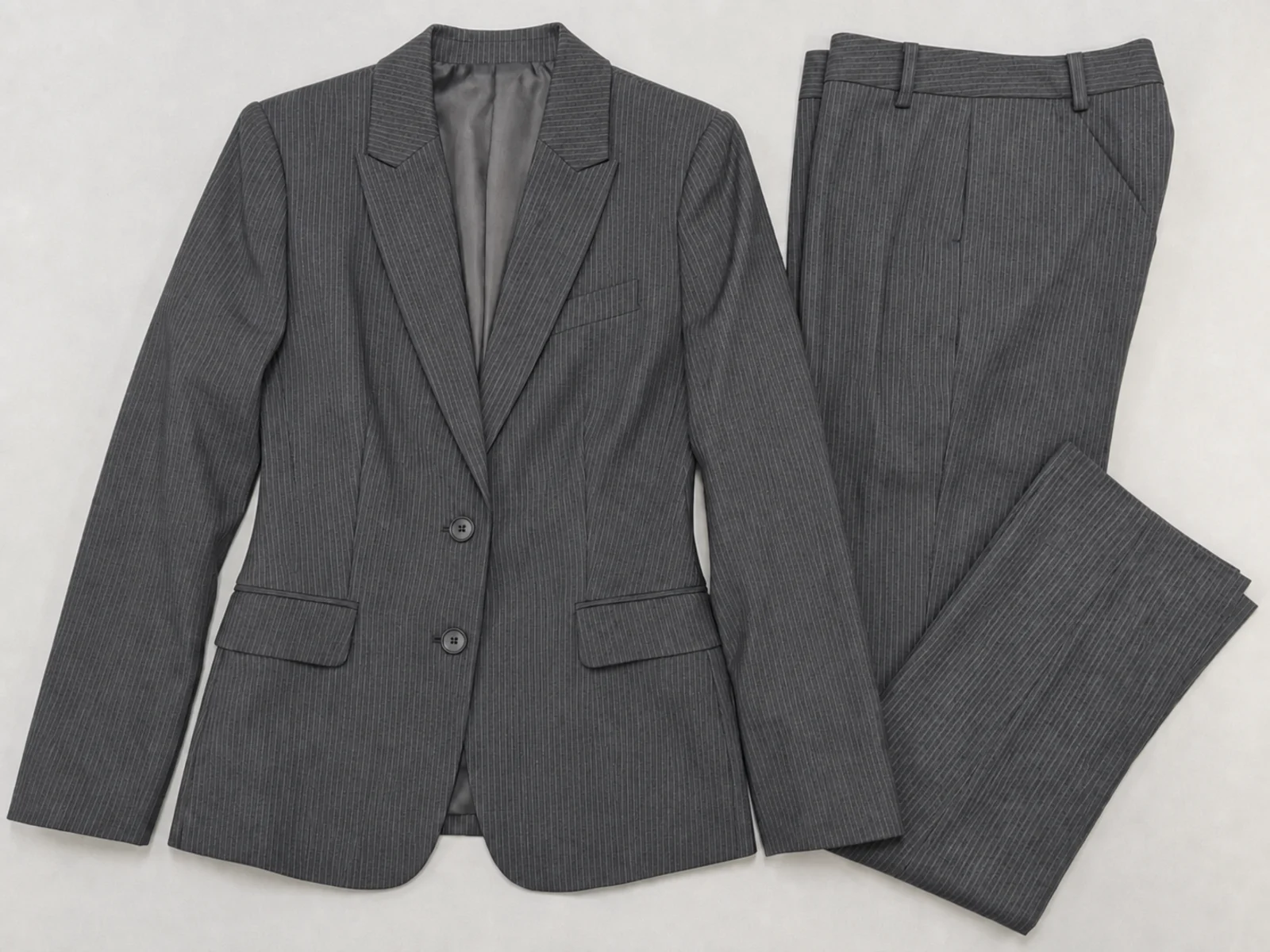
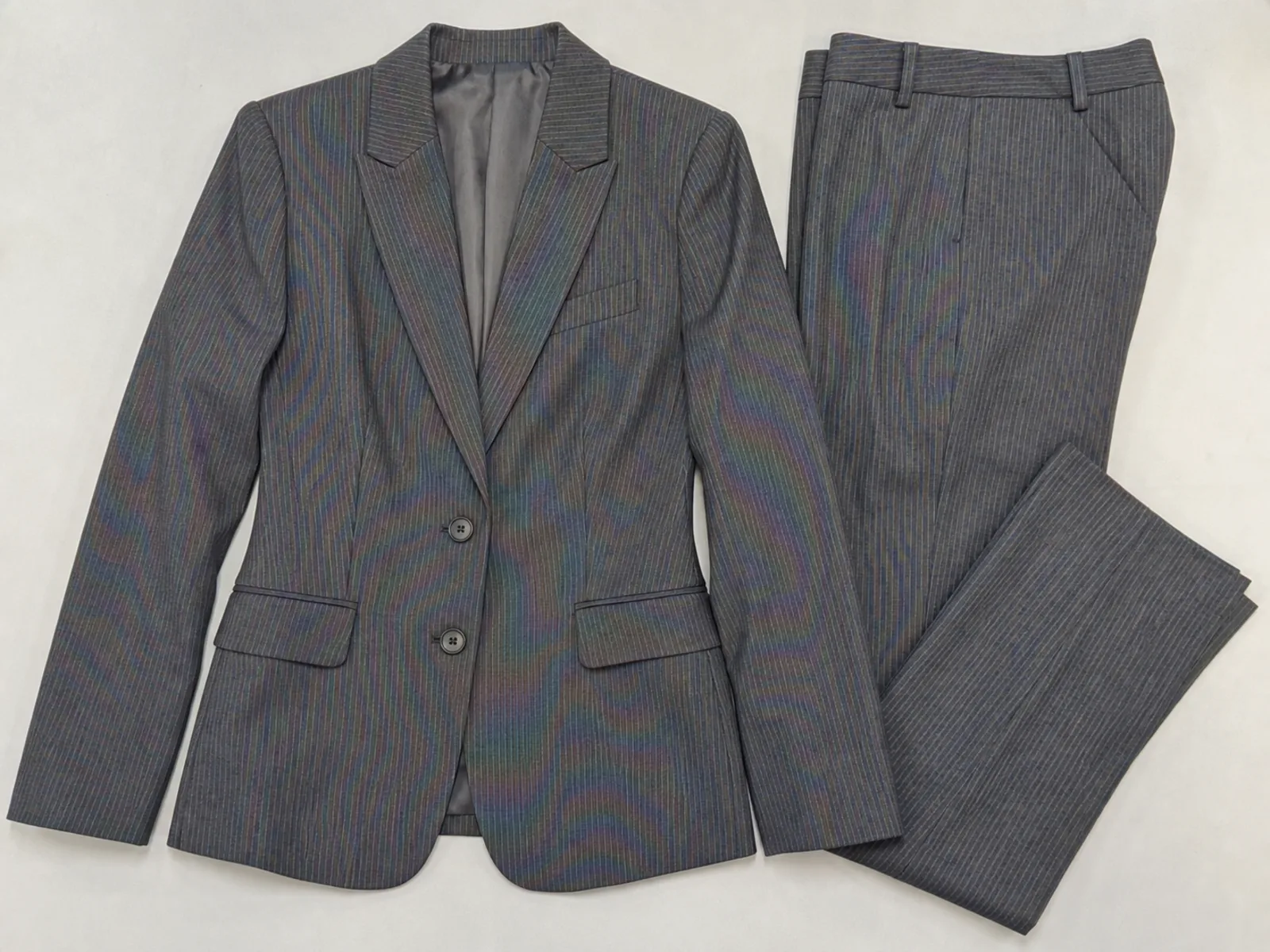
Before
After
Apparel Listing Photo
Woven and pinstripe garments show rainbow moire in listing photos — removed so the fabric looks like it does in real life.
Remove moire patterns from product photos instantly. Get marketplace-ready images for Shopify, Amazon, Etsy, and online stores with AI-powered cleanup.
Drop your photo here or click to upload
Supports JPG, PNG (Max 10MB)
Or try with a sample
Drag the slider to see how AI cleans moire from e-commerce product shots without retouching the product itself.
Woven and pinstripe garments show rainbow moire in listing photos — removed so the fabric looks like it does in real life.
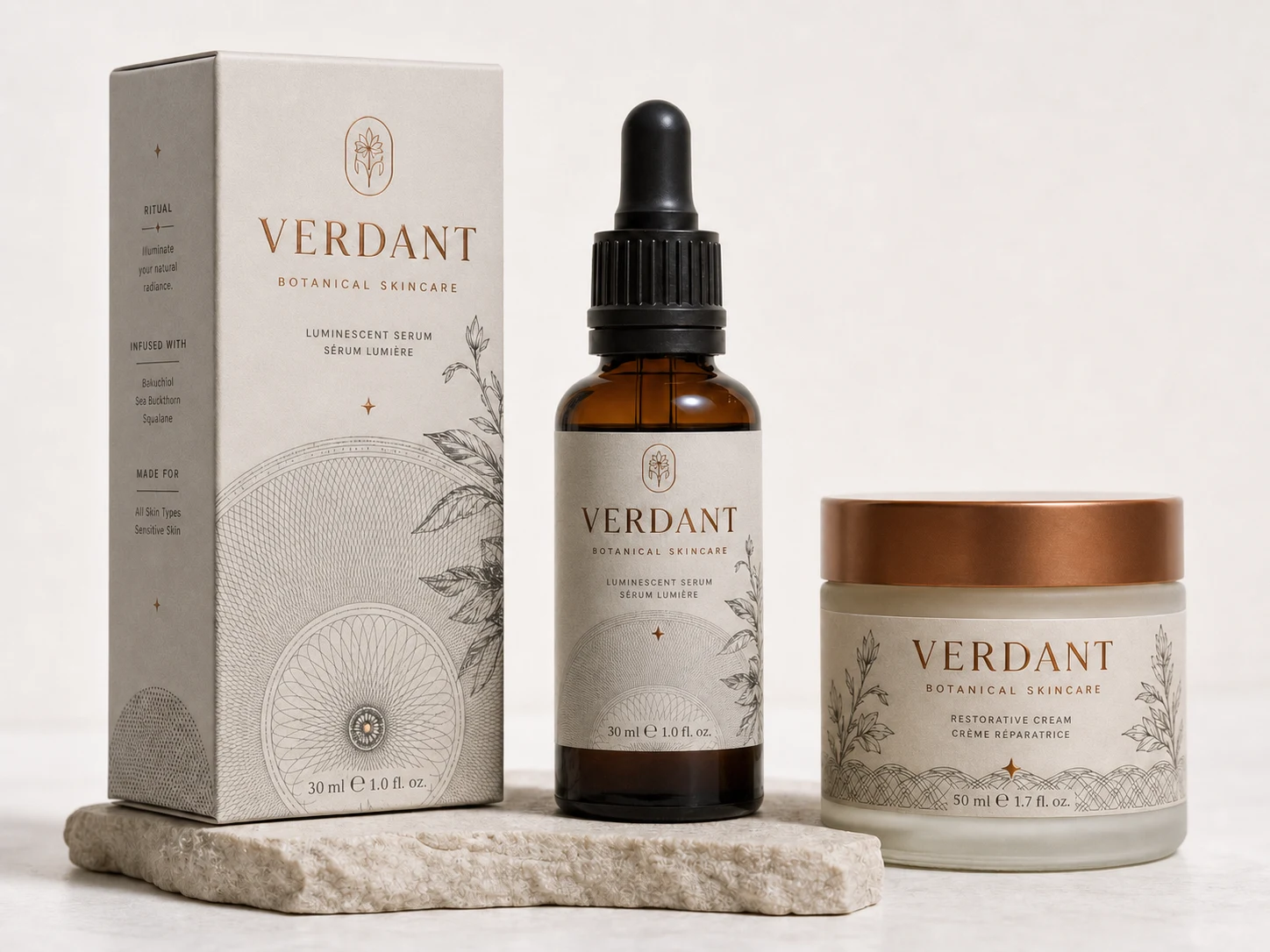
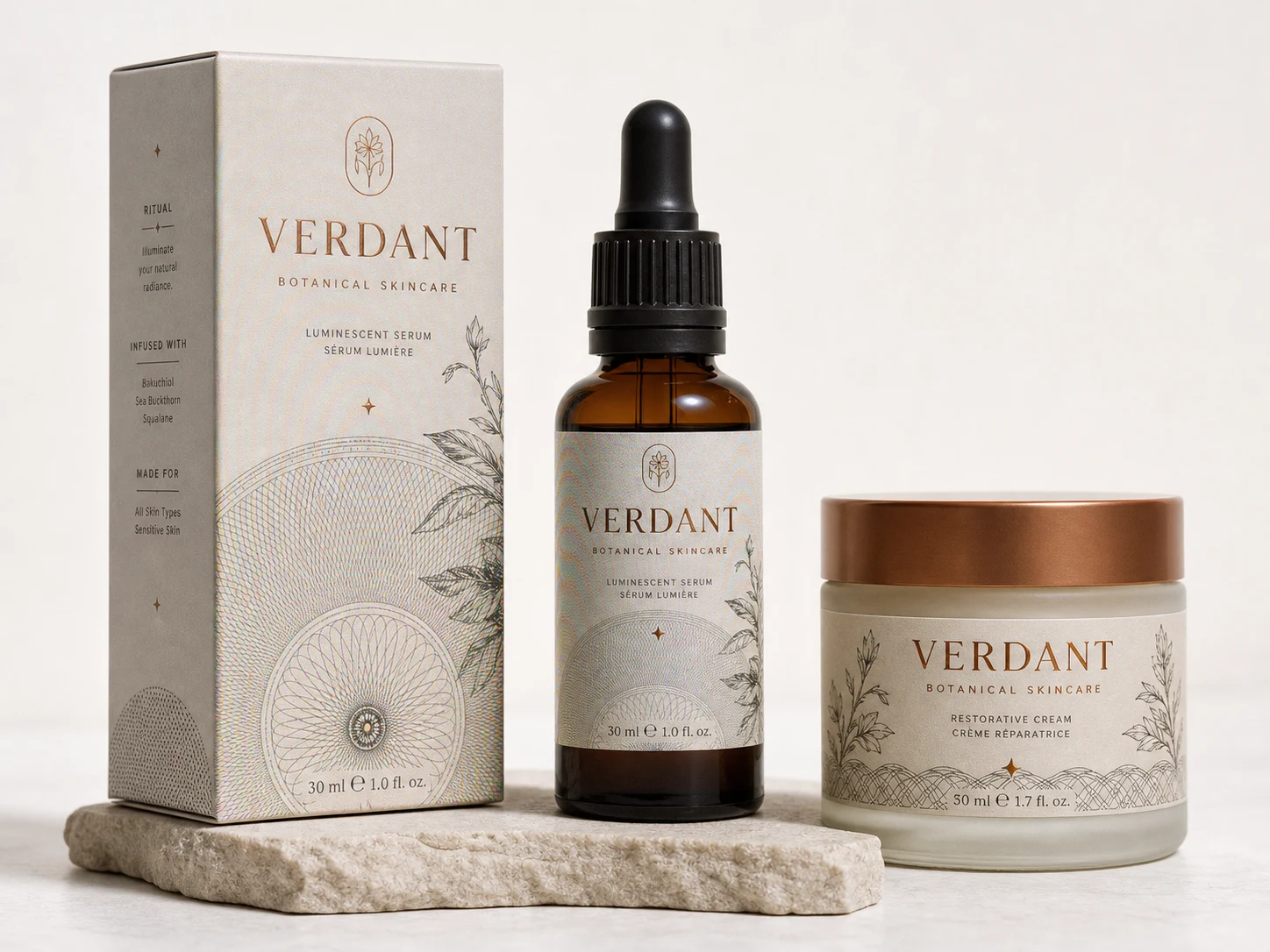
Remove moire from fine line art, halftone graphics, and metallic details on boxes and bottles while keeping label text and product edges sharp.
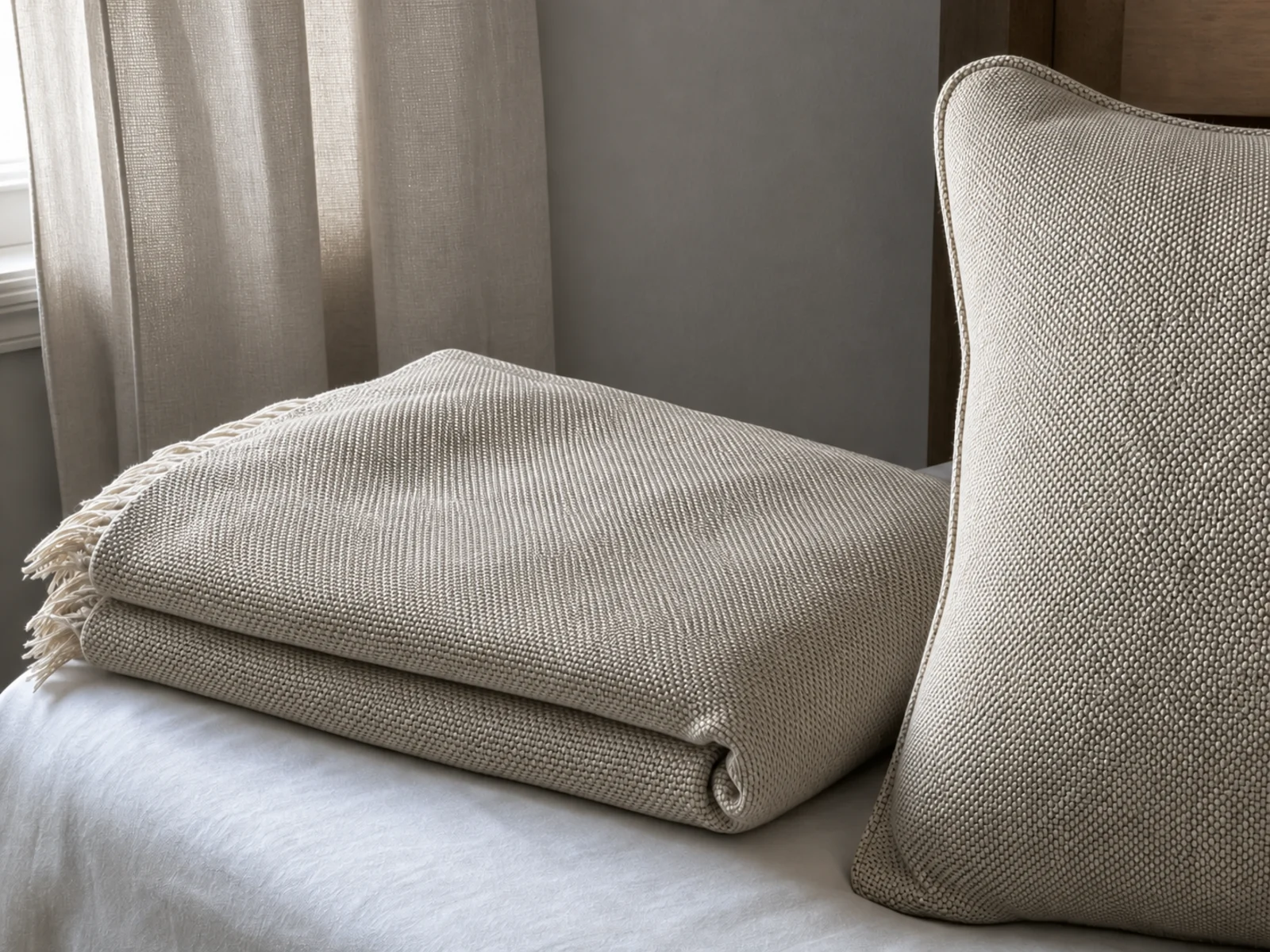
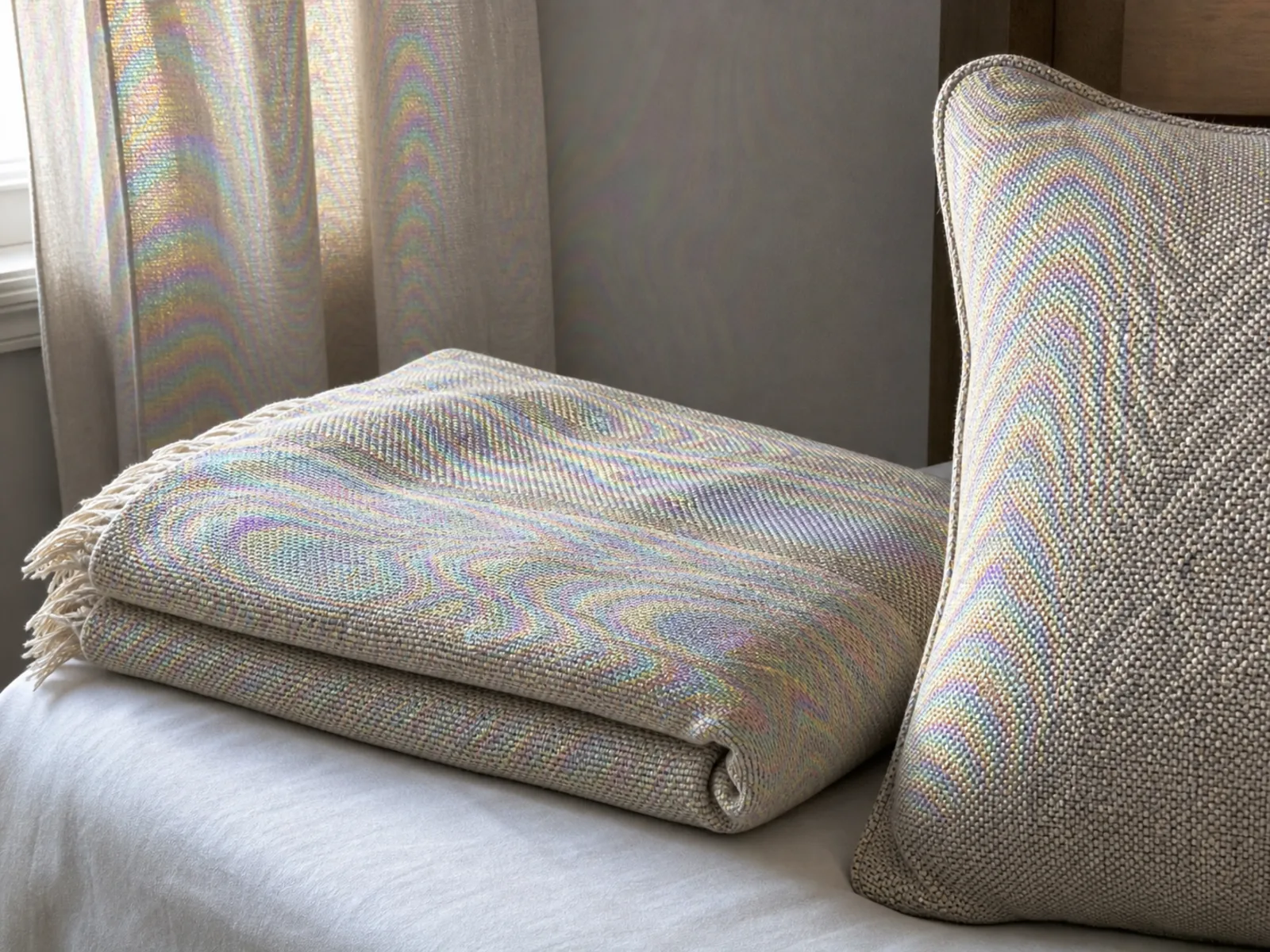
Bedding, curtains, and upholstery listings show wavy moire on woven textures — cleaned so the weave looks true to the product.
Fine weaves, prints, and device screens are the fastest way to get moire into a product photo — and returns out of it. Clean listings show the product as it really is.
Shirts, suits, and knitwear listed moire-free.
Curtains, bedding, and upholstery, true to weave.
Woven bags, scarves, and ties without the swirl.
Accurate colors for wholesale catalogs.
Printed boxes and labels stay crisp.
Device listings with clean, readable displays.
Purpose-built for e-commerce product photography workflows.
Photos meet quality standards for Amazon, Shopify, Etsy, eBay, and other e-commerce platforms right after processing.
Removes moire interference while preserving accurate fabric colors—critical for reducing return rates caused by color mismatch.
Upload and process entire product catalogs at once. Fix 10, 50, or 100+ images in a single session—essential for seasonal launches.
AI distinguishes real weave patterns from moire artifacts. Your product textures stay authentic and sharp.
Supports high-resolution output for zoom-in product detail views that modern marketplaces require.
Works in your browser. No Photoshop subscription, no plugins, no learning curve. Upload and download.
Process each product photo in 5-15 seconds. Meet tight listing deadlines without compromising quality.
Your product images are processed securely and automatically deleted. Your unreleased designs stay confidential.
Simple drag-and-drop workflow fits into any product photography pipeline. No technical setup needed.
Get marketplace-ready product photos in under a minute.
Choose 1K for web thumbnails, 2K for standard product listings, or 4K for high-resolution zoom views.
Drag and drop single or multiple product images. Supports JPG, PNG, and WebP up to 20 MB each.
Our AI detects moire patterns in clothing and textiles while preserving authentic fabric textures and true product colors.
Preview the before/after comparison and download marketplace-ready product photos.
Common questions about fixing moire in product photography.
Moire patterns in product photos make clothing look defective—customers see rainbow artifacts or wavy lines and assume the product itself has quality issues. This directly impacts conversion rates and increases return rates, as buyers receive a normal product that doesn't match the flawed listing photo. Clean, moire-free images build trust and reduce 'not as described' complaints.
Yes—color accuracy and texture fidelity are our top priorities. The AI removes only moire interference artifacts while preserving the exact colors, patterns, and textures of your products. This means fewer 'not as pictured' returns and higher customer satisfaction. The processed photos accurately represent what buyers will receive.
Yes! Our batch processing feature lets you upload and process multiple product photos simultaneously. This is especially useful for seasonal launches, new collection uploads, or migrating product listings between platforms. For high-volume sellers, this can significantly cut editing time compared to manual Photoshop work on each image individually.
Absolutely. The output quality meets or exceeds image requirements for Amazon, Shopify, Etsy, eBay, Walmart Marketplace, and other major e-commerce platforms. You can select up to 4K resolution for high-quality zoom views that marketplace algorithms prefer.
Photoshop moire removal requires manual work: duplicating layers, applying Camera Raw filters, and painting masks—typically 5-15 minutes per image. Our AI tool processes each image in 5-15 seconds automatically, with consistently better results on fabric moire. For e-commerce sellers processing dozens or hundreds of product photos, the time savings are significant. See our Photoshop moire removal guide for a detailed comparison.
Men's formal wear (suits, dress shirts) and women's structured clothing (blazers, pencil skirts) are the highest-risk categories. Home textiles like curtains and upholstery also frequently show moire. If you sell any patterned fabric products, expect to encounter moire in your product photography workflow.
For production e-commerce photography, post-processing is almost always faster. Prevention techniques (adjusting angles, distances, apertures) require re-shooting and compromise your standardized studio setup. With AI moire removal, your photography team can maintain consistent lighting, angles, and composition across all products, then batch-fix any moire in seconds. This is far more efficient for high-volume product shoots.
Yes. The tool supports up to 4K resolution and preserves the fine detail that fashion photography demands. It's used by fashion brands, product photography studios, and e-commerce agencies for lookbooks, catalogs, and marketplace listings. Batch processing makes it efficient for high-volume fashion shoots.
Remove moire from your product photos in seconds. No Photoshop required.