Dither Image

Dither image colors into a small palette with error diffusion, ordered patterns or thresholding. Adjust pixel size, compare the original, and download PNG locally for free without signup.

Free · No signup · Processed on your device
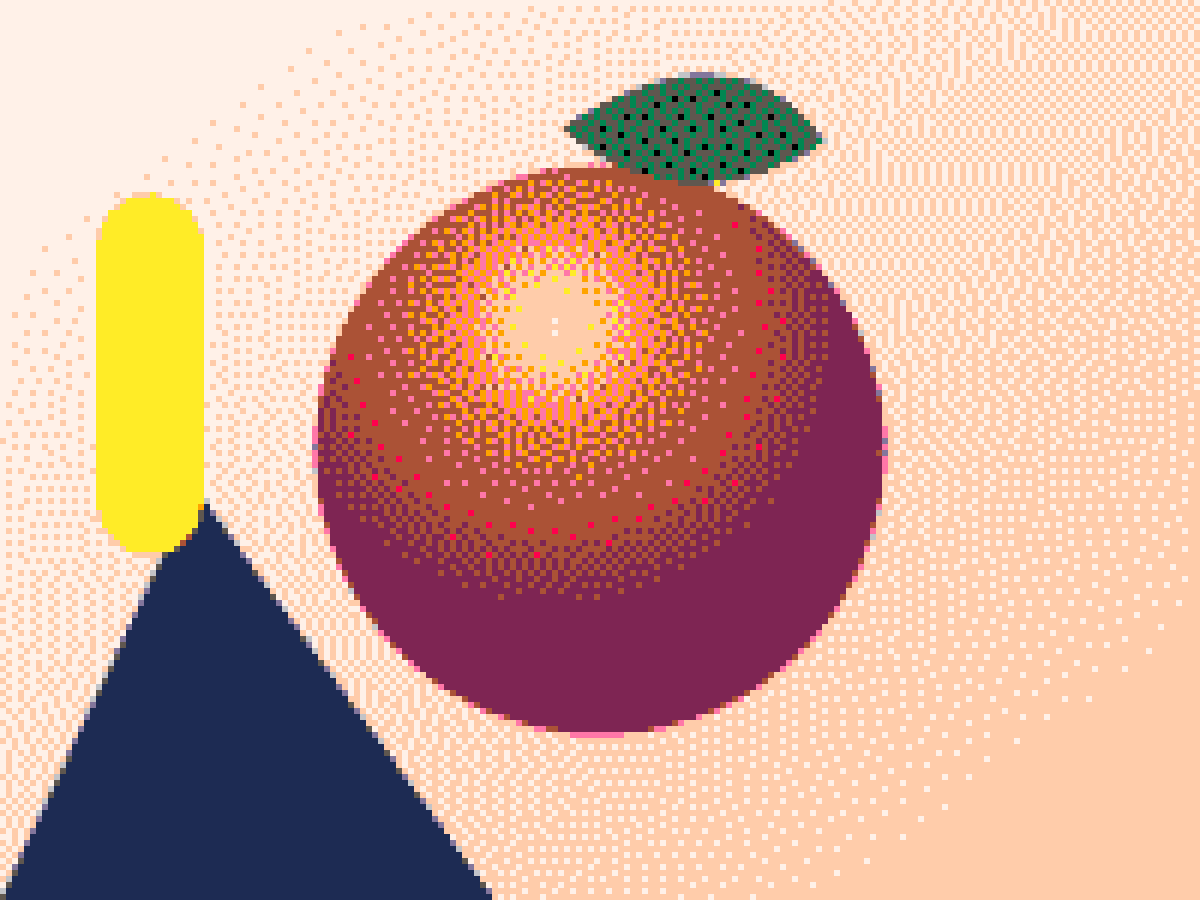
The same illustration dithered with the PICO-8 palette
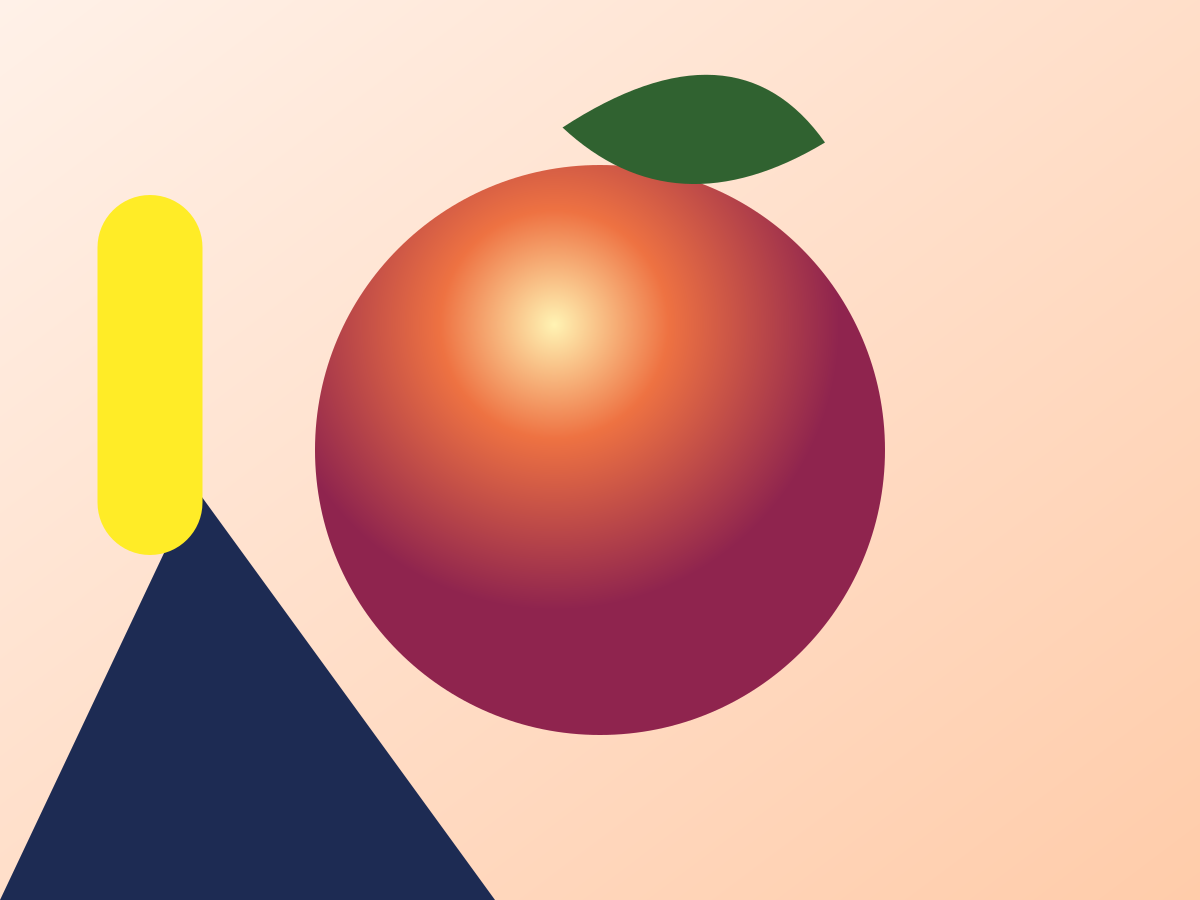
Colorful illustration with a shaded orange sphere, before dithering
Original
Result
Drag to compare

Try a sample

Adjustments

What is image dithering?

Image dithering distributes a limited set of colors across neighboring pixels so their combined appearance suggests intermediate shades. A black-and-white image can therefore describe a gradient without storing gray pixels. The result depends on the placement of the dots as well as the palette. Use this tool to dither image tones deliberately: a regular matrix, scattered error-diffusion marks and a hard threshold each express a different visual structure.

The tool first reduces the source into blocks based on pixel size. It averages each block, applies brightness, contrast and gamma, then chooses palette colors. Transparent input is composited on white before this step. The resulting PNG is opaque. This is a color-quantization workflow, not a transparency-preserving mask generator; use the separate DTF tool when alpha coverage is the feature you need to control.

When you dither image colors with error diffusion, the difference between the current color and its chosen palette entry is passed to nearby pixels. A floating-point working buffer preserves those fractional errors until the final quantization. Color matching weights green differences more strongly than red or blue, using 2ΔR² + 4ΔG² + 3ΔB². It is a weighted RGB comparison, not a perceptual color-space conversion.

Shaded sphere before and after dithering: gray tones become a pattern of black and white pixels

How to dither image colors online

Load a photograph or drawing

Choose a local image, drag it onto the canvas, paste from the clipboard, or open a sample. Begin with the grayscale sphere if you want to compare how algorithms treat smooth gradients. Use the color composition to inspect palette behavior. Input is limited to 60 MB and 64 megapixels after decoding. Animated formats are handled as a single still image.

Set the palette before judging the texture

Start with black and white, four gray levels, Game Boy, CGA, PICO-8 or Mac Classic. You can also create a custom palette of 2–16 colors or extract 2–64 colors automatically. A palette with little tonal separation cannot reproduce a wide brightness range, whatever algorithm you choose. The dithering generator always selects actual palette entries rather than inventing intermediate output colors.

Compare algorithms at one pixel size

Keep the palette and pixel size unchanged while comparing Floyd–Steinberg, Atkinson and a Bayer matrix. This isolates pattern differences from palette changes. Then adjust brightness, contrast or gamma if important regions merge. For diffusion methods, lower the error strength to reduce propagated texture, or disable serpentine scanning to make every row run in the same direction.

Download the required pixel dimensions

Export the reduced pixel grid at 1:1 when you need a small pixel-art asset. Alternatively, enlarge that grid back to the source-sized output using nearest-neighbor sampling. PNG keeps the generated colors without lossy JPEG compression. Inspect the exported dimensions before placing it in another application; later smooth resizing will blend palette colors and soften the intended block edges.

Dithering generator: algorithms and palettes

This dithering generator defaults to Floyd–Steinberg, which distributes error to four nearby positions. Atkinson uses six positions but distributes only three quarters of the error, often changing the balance of highlights and shadows. Jarvis–Judice–Ninke and Stucki spread error across wider neighborhoods. Burkes uses two rows. Sierra, Sierra Two-row and Sierra Lite provide three more footprints. These are different error kernels, not intensity presets for one algorithm.

The diffusion strength control ranges from zero to 100 percent. At zero, no quantization error reaches neighbors; output becomes nearest-palette-color selection. Serpentine scanning reverses direction on alternate rows and mirrors the kernel horizontally. Both controls apply only to diffusion algorithms. The dithering generator hides them for ordered, threshold and random modes so the interface does not imply that they affect those methods.

Bayer 2×2, 4×4 and 8×8 use recursively generated threshold matrices. Smaller matrices repeat more visibly; larger ones offer more positions within a repeated tile. Threshold mode adds no dither pattern. Random noise perturbs the quantization decision with a repeatable pseudo-random sequence, so changing unrelated controls does not introduce an entirely new random arrangement on every render. All methods still emit only the selected palette colors.

Automatic palettes use median cut on a small, at-most-256-pixel source copy. The extracted colors are cached by image and color count. Changing the algorithm, brightness or diffusion strength therefore keeps the palette fixed. Changing the requested color count produces a different extraction. An image with fewer distinct colors may yield fewer colors than requested. Custom palettes allow direct color picking, adding and removal within the 2–16-color range.

Try a dither effect online for illustrations and pixel art

Sphere and grayscale gradient with black and white Floyd–Steinberg dithering

Floyd–Steinberg dithering

Black and white, 3 px pixels, 100% diffusion, serpentine scanning.

Sphere with bright highlights and black and white Atkinson dithering

Atkinson dithering

Black and white, 3 px pixels, 100% diffusion setting, serpentine scanning.

Sphere and grayscale gradient with a regular Bayer dithering pattern

Bayer 8×8 dithering

Black and white, 3 px pixels, ordered 8×8 Bayer matrix.

Shaded sphere converted to four green tones with Game Boy palette dithering

Game Boy palette

Shaded sphere, Floyd–Steinberg, four greens, 4 px pixels, 100% diffusion, serpentine scanning.

For a monochrome dither effect, use the black-and-white palette and inspect broad flat areas as carefully as edges. A diffusion method can preserve an average tone while introducing busy texture. A threshold can give a stronger silhouette but lose smooth shading. Neither is universally better: choose according to whether the image needs tonal continuity or an intentionally hard graphic boundary.

For a retro game reference, the palette is a visual constraint rather than a hardware emulator. The Game Boy option supplies four green shades; CGA supplies one four-color selection; PICO-8 supplies sixteen specified colors. Mac Classic is black and white. The dithering generator does not enforce screen dimensions, sprite counts or other platform rules. Set the dimensions and palette restrictions required by your actual project separately.

For pixel-art studies, use a larger pixel size to simplify shapes before evaluating the pattern. A 1600×1200 source at pixel size 4 creates a 400×300 grid for 1:1 export. If a dimension is not divisible by the block size, the final edge block covers the remaining source pixels. When enlarging back to the original dimensions, those blocks are mapped with nearest-neighbor sampling, with no smoothing pass.

For a color-limited graphic, inspect which palette entries receive important details. Similar colors can collapse distinct objects into the same output value. Add a contrasting custom color or choose automatic extraction before changing the algorithm. To dither image content consistently across several separately processed assets, use the same custom palette; automatic extraction is image-dependent and does not guarantee matching colors across files.

Dithering tool vs desktop editors

Photoshop provides wider editing and indexed-color workflows, while Illustrator is centered on vector drawing and layout. This browser dithering generator focuses on comparing quantization algorithms, selecting a palette and exporting a pixel-precise PNG. It does not create vector paths or retain a layered editing document. Use the downloaded image as an asset in your wider composition.

A small PNG is convenient for pixel-art applications because the grid is explicit. A source-sized export is convenient when your next step expects the original layout dimensions. In either case, avoid subsequent resampling with a smoothing filter if exact palette membership matters. A display can blend adjacent pixels visually even though the file itself contains only palette colors; judge the file at an integer zoom when checking its grid.

The preview uses a source copy no larger than 1000 pixels on its long edge and waits 80 ms after a control change before recomputing. Error diffusion depends on its processing grid, so the reduced preview is a guide rather than a pixel-for-pixel copy of the final export. Full output is recalculated from the source. Your image stays on your device, and the displayed computation time describes that preview run only.

Dither generator FAQ

Load an image, choose a palette and dithering algorithm, then download the result as a PNG. Adjust pixel size to make the texture finer or coarser, and compare the result with your original before saving. The PNG contains only colors from your selected palette, so a black-and-white palette produces black and white pixels with no gray pixels.


Use Floyd–Steinberg for smooth photographic gradients, Atkinson for cleaner highlights, Bayer for regular patterns, and Threshold for hard-edged graphics. Atkinson spreads three quarters of the error, producing stronger contrast and a classic Mac feel. Bayer gives stable grid textures a retro look; Threshold adds no dithering. Compare algorithms using the same palette and pixel size.


Atkinson sends only three quarters of the quantization error to its neighbors, while Floyd–Steinberg distributes the full error within its kernel, apart from image boundaries. That changes the tonal behavior as well as the dot arrangement. Compare both with the same source, palette and pixel size before adjusting brightness to favor a particular result.


Yes. Select the custom option, choose colors with the color pickers, and add or remove entries within the 2–16-color range. The color matcher uses weighted RGB distance. Similar custom colors can produce visually similar regions, so a palette with useful brightness and hue separation is often easier to work with than many nearly identical colors.


The preview has a maximum long edge of 1000 pixels, while export recalculates the source at its output dimensions. Error diffusion depends on the grid and on previous quantization decisions, so changing resolution changes individual dot placements. Use the preview to choose the style and the downloaded PNG to evaluate the final pixel pattern.


The image processing runs locally in your browser, normally in a worker. A cooperative main-thread path supports browsers that cannot use that worker setup. The tool sends ordinary usage analytics but excludes image data and filenames. Loading a bundled sample fetches that static sample; it does not upload your selected local image.


Dither image online for free

Dither image colors with a sample before loading your own artwork. Choose the palette, compare a diffusion method with an ordered matrix, and decide whether the final asset needs a small 1:1 grid or a source-sized PNG. Keep the original image and record the settings you want to reuse, especially the palette and pixel size.

Dither Image Online — Free Dithering Generator