
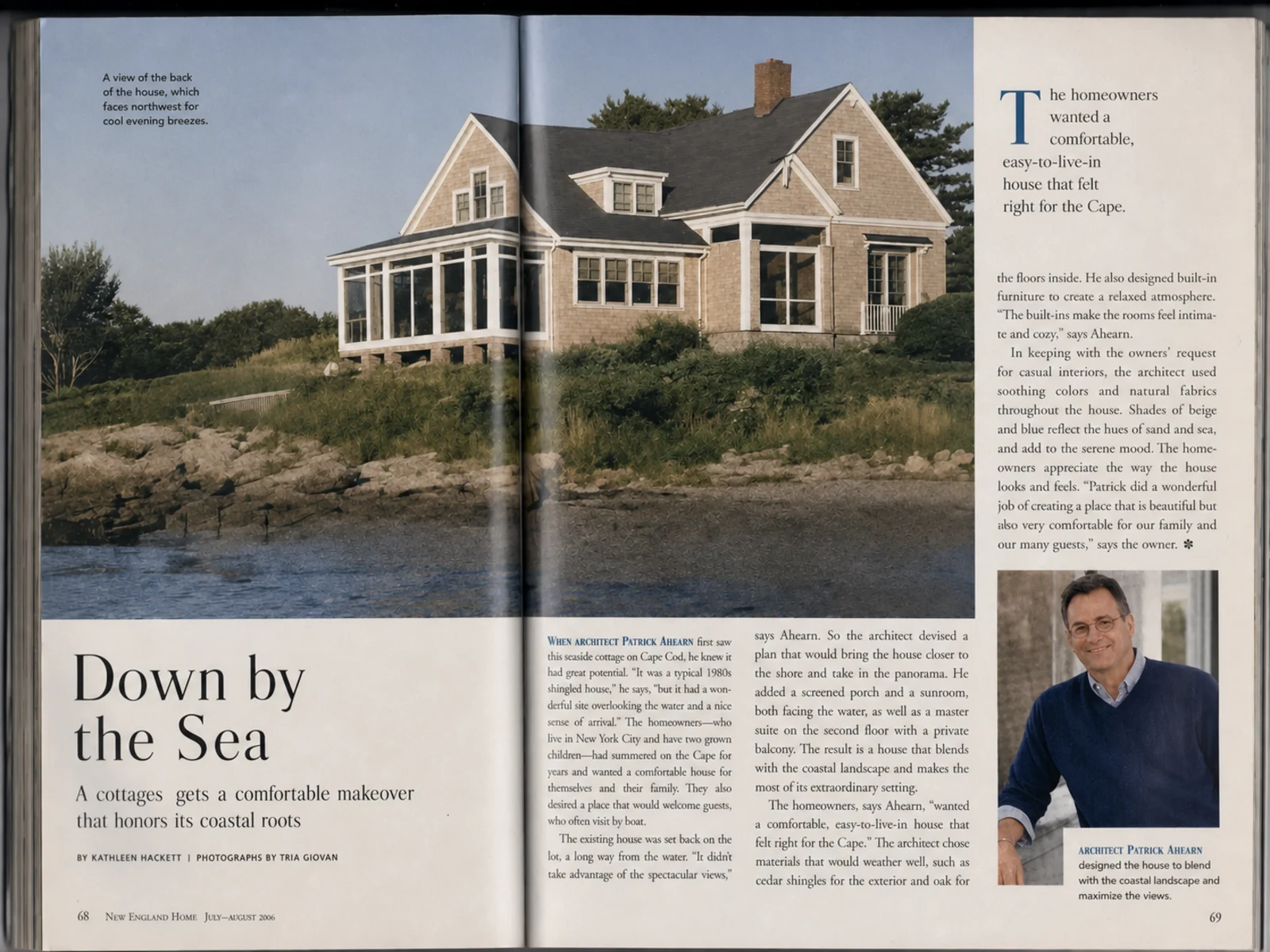

Before
After
Scanned Magazine Page
Halftone dots from offset printing turn into checkered moire when scanned — removed while text stays crisp.
Fix moire patterns that appear when scanning printed photos, book pages, and other printed images. Our AI removes scan interference while preserving the original image quality — no technical skills required.
Drop your photo here or click to upload
Supports JPG, PNG (Max 10MB)
Or try with a sample
Drag the slider to compare scanned and photographed print materials before and after AI descreening.
Halftone dots from offset printing turn into checkered moire when scanned — removed while text stays crisp.

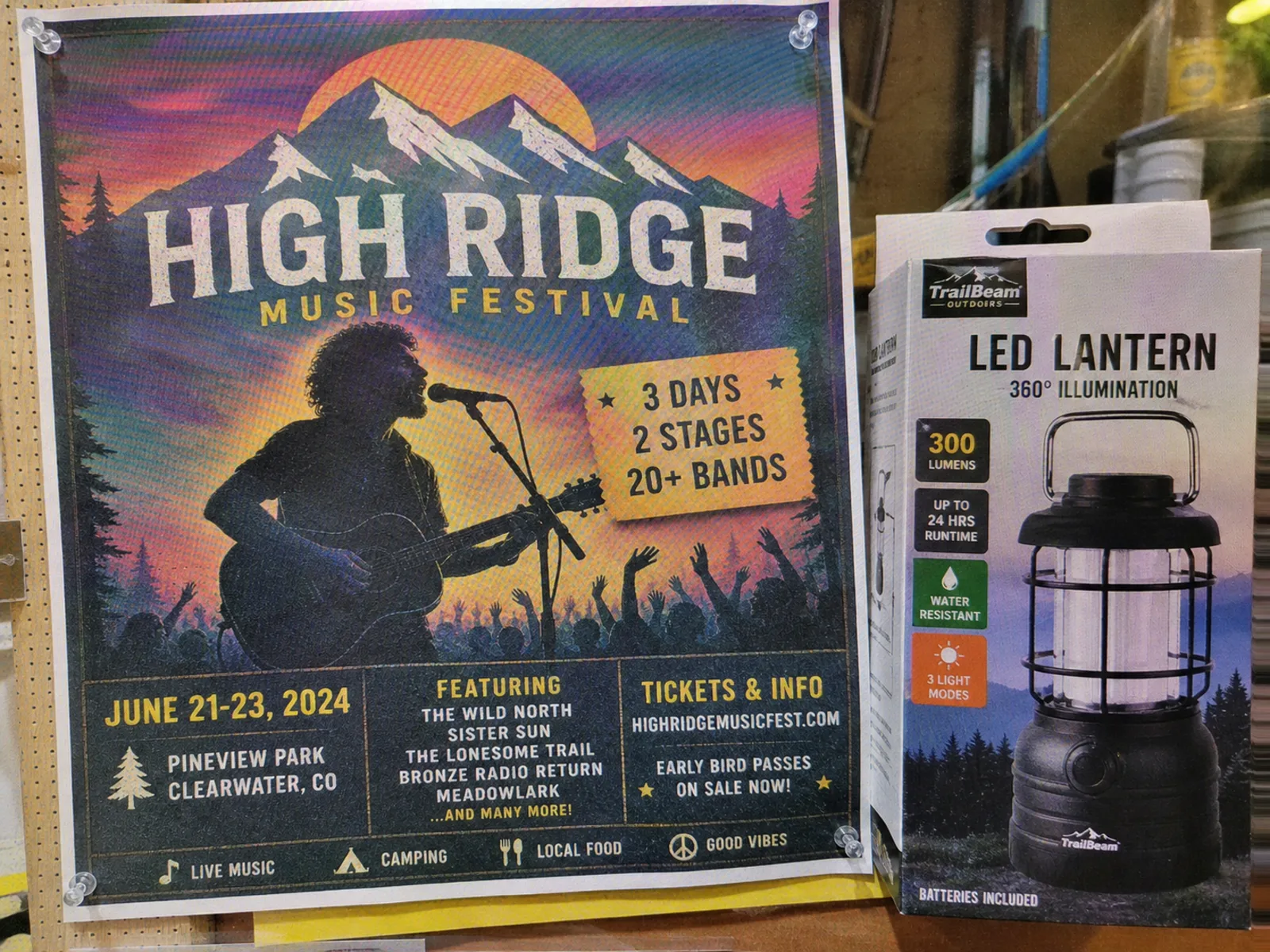
Photographing printed posters or packaging creates grid interference — cleaned in one pass.
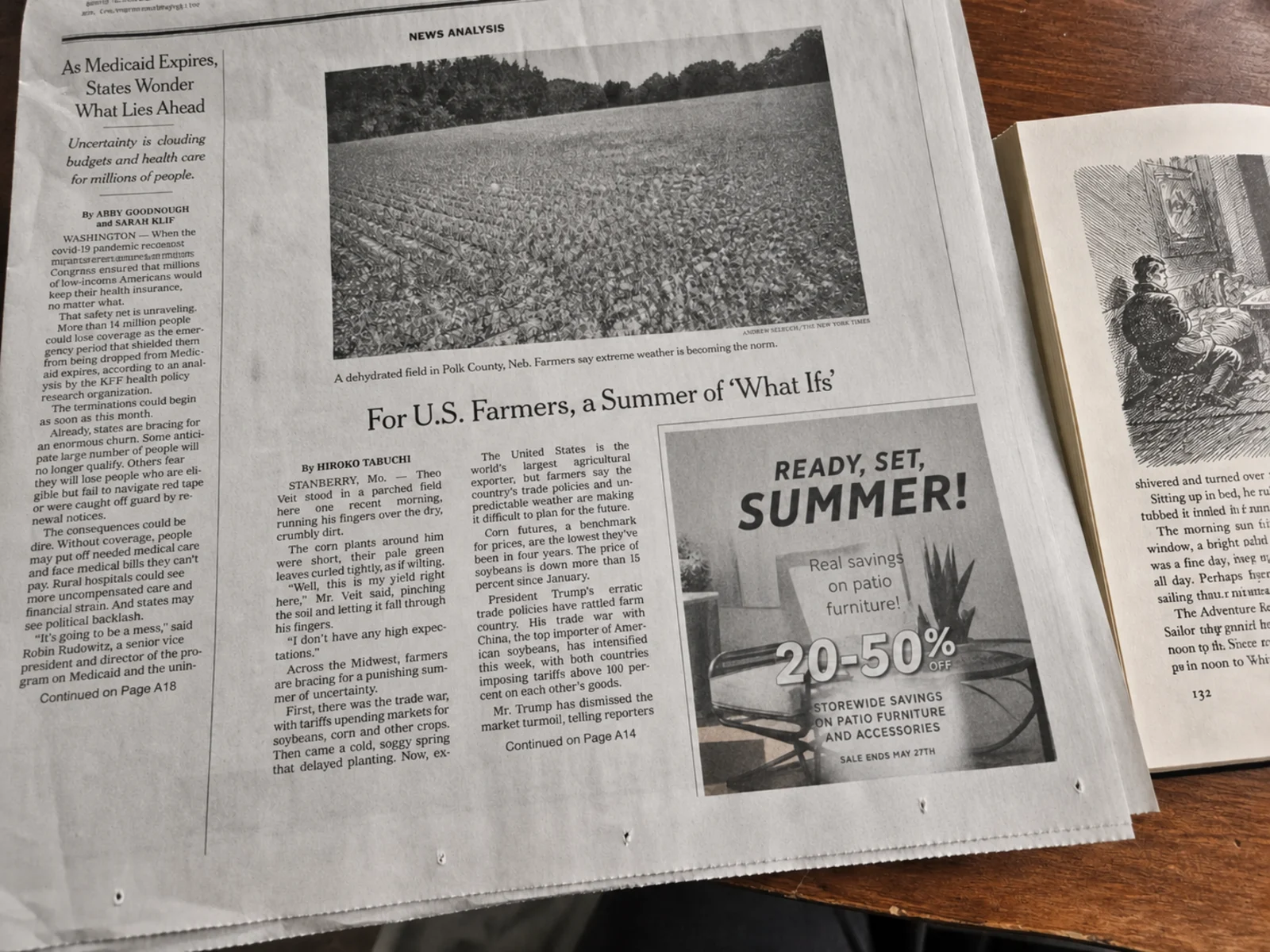
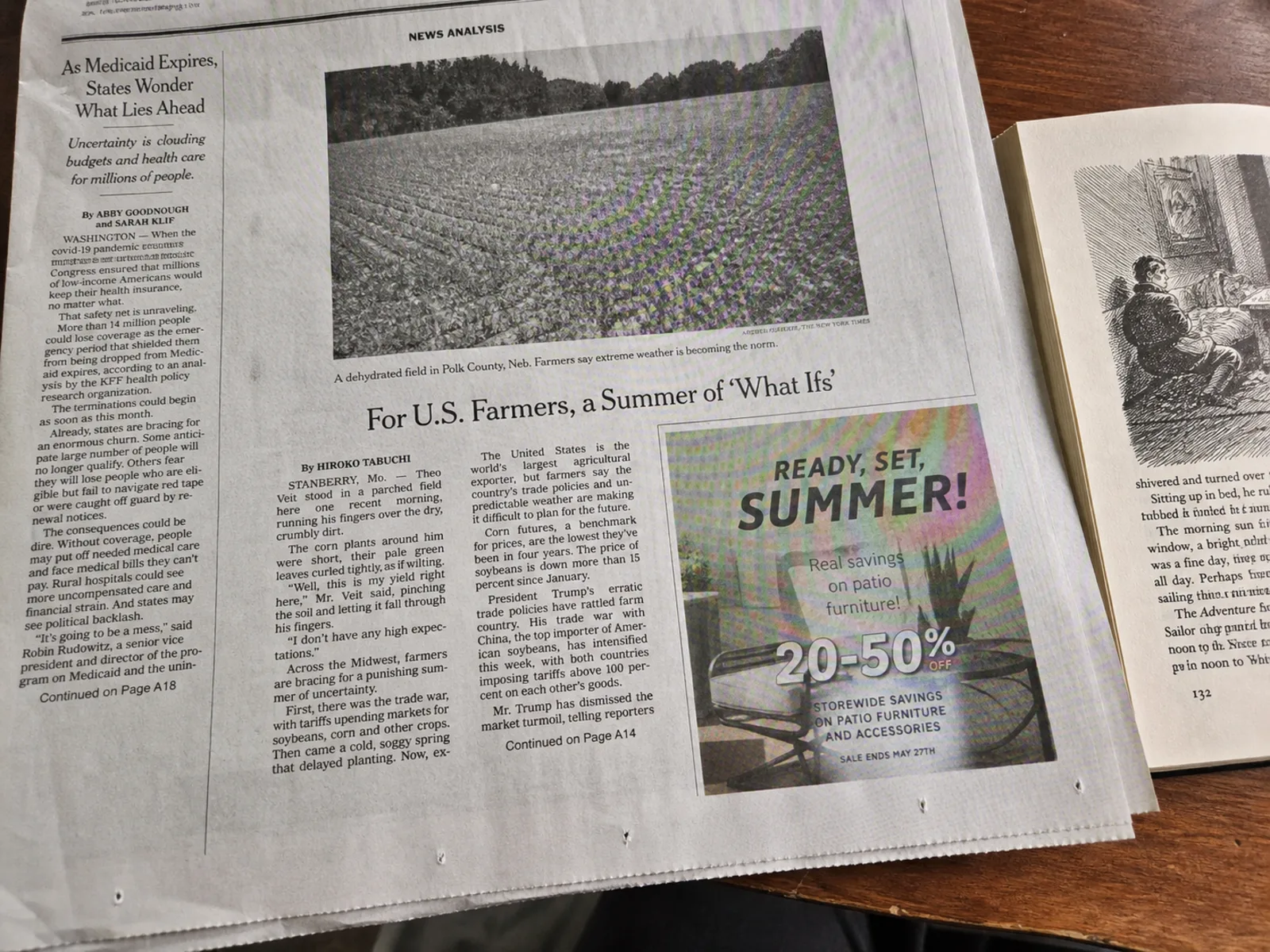
Photographed newsprint and book illustrations carry coarse halftone dots that alias into moire — removed while the text stays readable.
Halftone dots and scanner sensors never mix well. From family photo albums to official documents, the cleanup dissolves the interference and keeps the original detail.
Family albums and vintage prints, moire-free.
Illustrations and diagrams scan clean.
Artwork keeps its color and texture.
Official scans stay sharp and legible.
Glossy pages and newsprint without the grid.
Screentones cleaned without losing linework.
Advanced AI specifically designed for removing moire from scanned printed photos and images.
Our neural network is trained on thousands of scanned printed images to detect and remove the unique moire patterns that appear when scanning photos, book pages, and printed materials.
Removes only the scanning interference while keeping faces, text, colors, and fine details intact in your scanned image.
No negative, no original file? Recover a clean image from the printed copy — often the only version left.
Supports high-resolution output up to 4K so your scanned photos look crisp and clean at any size, perfect for reprinting or archival.
Ideal first step in restoring old scanned photos. Remove interference artifacts before color correction or other restoration work for best results.
Get your clean scanned photos back in seconds with our optimized AI processing pipeline. No waiting around.
Upload and process multiple scanned photos at once. Perfect for digitizing entire photo albums or book chapters efficiently.
Your scanned images are processed securely and automatically deleted after processing. We never store or share your data.
Works directly in your browser. No downloads, installations, or plugins required. Just upload your scanned photo and go.
Fix moire patterns in your scanned printed photos quickly with our AI-powered tool.
Choose your desired output resolution: 1K for web sharing, 2K for standard quality, or 4K for archival and print-ready results.
Drag and drop or click to upload your scanned photo with moire patterns. Supports JPG, PNG, and WebP formats up to 50MB.
Our AI analyzes the moire pattern in your scanned image, separates the interference from the actual photo content, and removes it automatically in seconds.
Use the before/after slider to compare results. Download your clean, artifact-free scanned photo when you are satisfied with the quality.
Common questions about fixing moire patterns in scanned photos and printed images.
When you scan a printed photo, the scanner captures the tiny dot pattern used in printing. These printing dots interact with the scanner's own sampling grid, creating visible moire interference — wavy lines, color bands, or mesh-like patterns that weren't in the original image. This happens with all types of printed photos, from glossy prints to book illustrations.
Yes! Book illustrations, textbook diagrams, and photos printed in books are among the most common sources of scan moire. Our AI is trained to handle these patterns and produce clean digital versions of the original images.
Scanning at a higher resolution (300-600 DPI) can help, and some scanners have a built-in moire reduction option. Slightly rotating the printed photo on the scanner bed (1-2 degrees) can also reduce interference. However, even with optimal settings, moire often still appears. Our AI tool removes any remaining moire after scanning, giving you the cleanest possible result.
This tool is specifically optimized for scanned printed images — photos, book pages, posters, and other printed materials that were digitized with a scanner. For general moire from any source, try our AI Moire Remover. For screen photography specifically, use the Screen Moire Remover.
No. Our AI distinguishes between photo content, text, and moire interference. Text areas remain sharp and readable after processing, while moire patterns in the image areas are removed cleanly.
Absolutely. This tool works great as the first step in photo restoration. Remove the moire artifacts from your scanned photo first, then proceed with color correction, scratch removal, or other restoration work for the best final result.
You can upload scanned images in JPG, PNG, and WebP formats up to 50MB. The processed result can be downloaded in the same high-quality format. For best results, upload the highest resolution scan you have available.
Most scanned photos are processed in 10-30 seconds depending on image size and selected output resolution. You can also batch-process multiple scanned images simultaneously to save time when digitizing a large photo collection.
Remove moire patterns from scanned images in seconds with AI. No software needed, no technical skills required.