
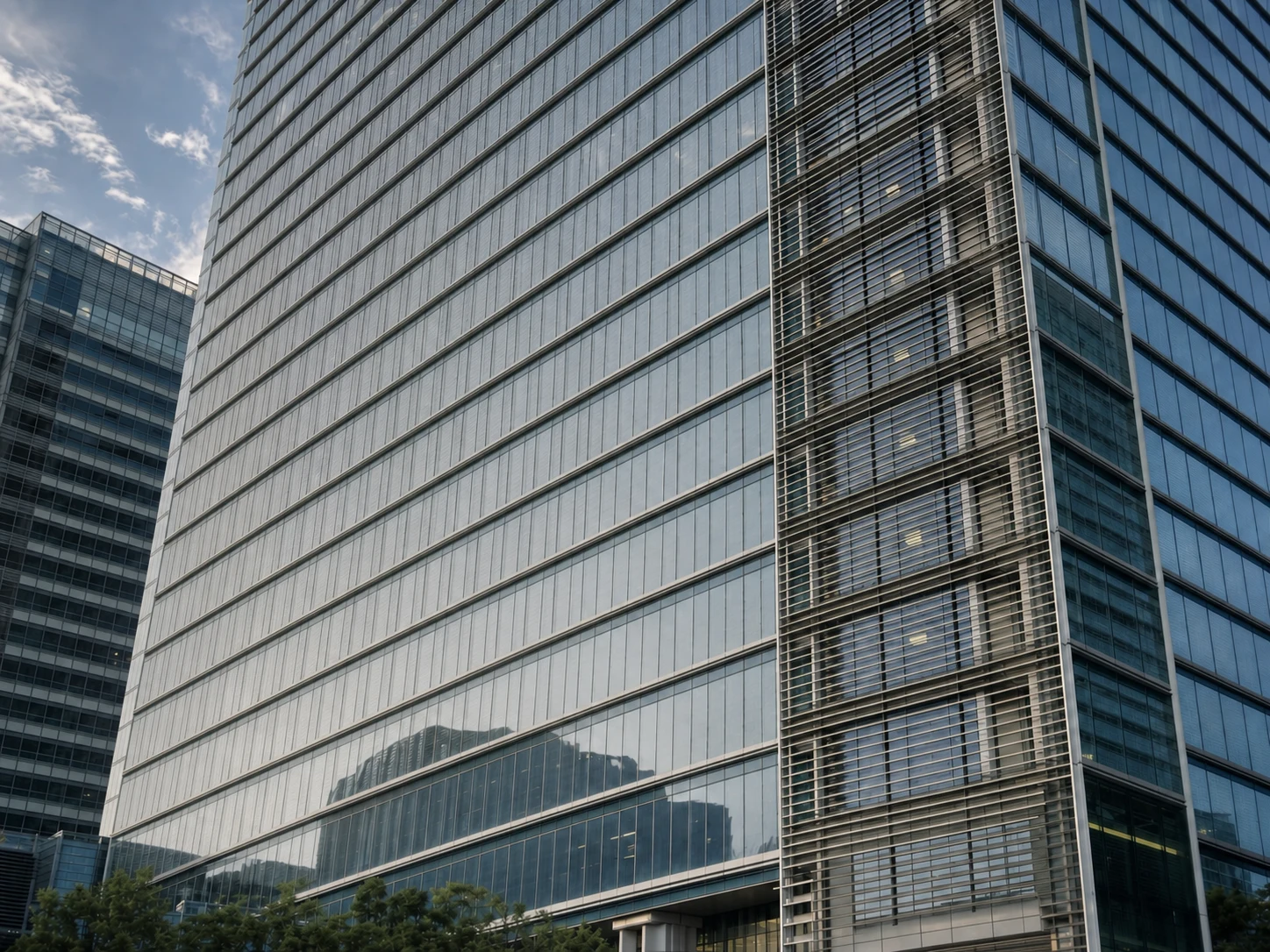
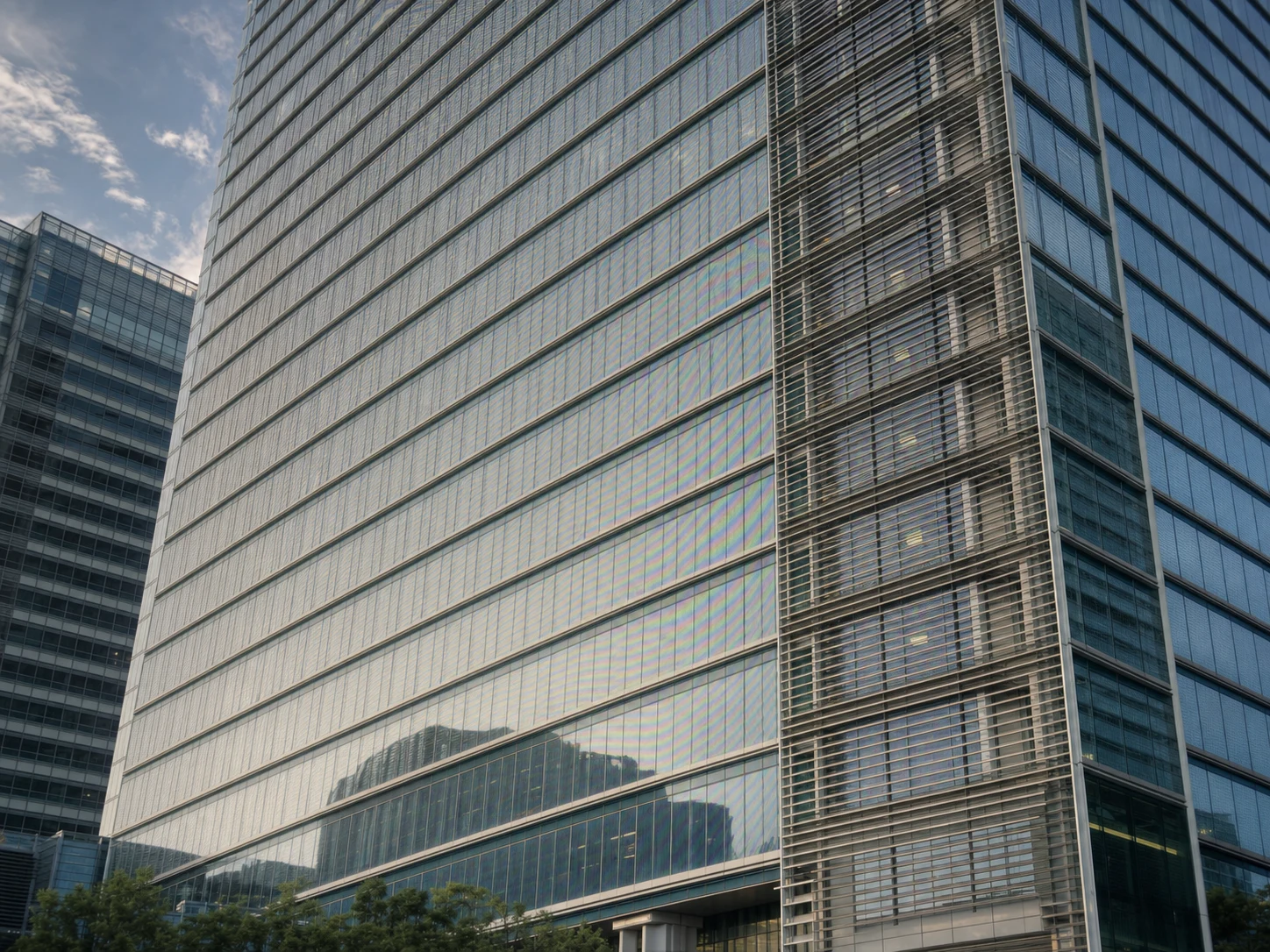
Before
After
Downscaled Video Frame
Moire and aliasing caused by resizing detailed 4K footage to 1080p, removed while preserving sharp architectural lines.
Got moire patterns in your video screenshots or exported frames? Our AI instantly removes rainbow interference, wavy lines, and grid artifacts from video thumbnails, screen recording captures, film stills, and broadcast screenshots.
Drop your photo here or click to upload
Supports JPG, PNG (Max 10MB)
Or try with a sample
Drag the slider to compare extracted video frames with the AI-cleaned results.
Moire and aliasing caused by resizing detailed 4K footage to 1080p, removed while preserving sharp architectural lines.
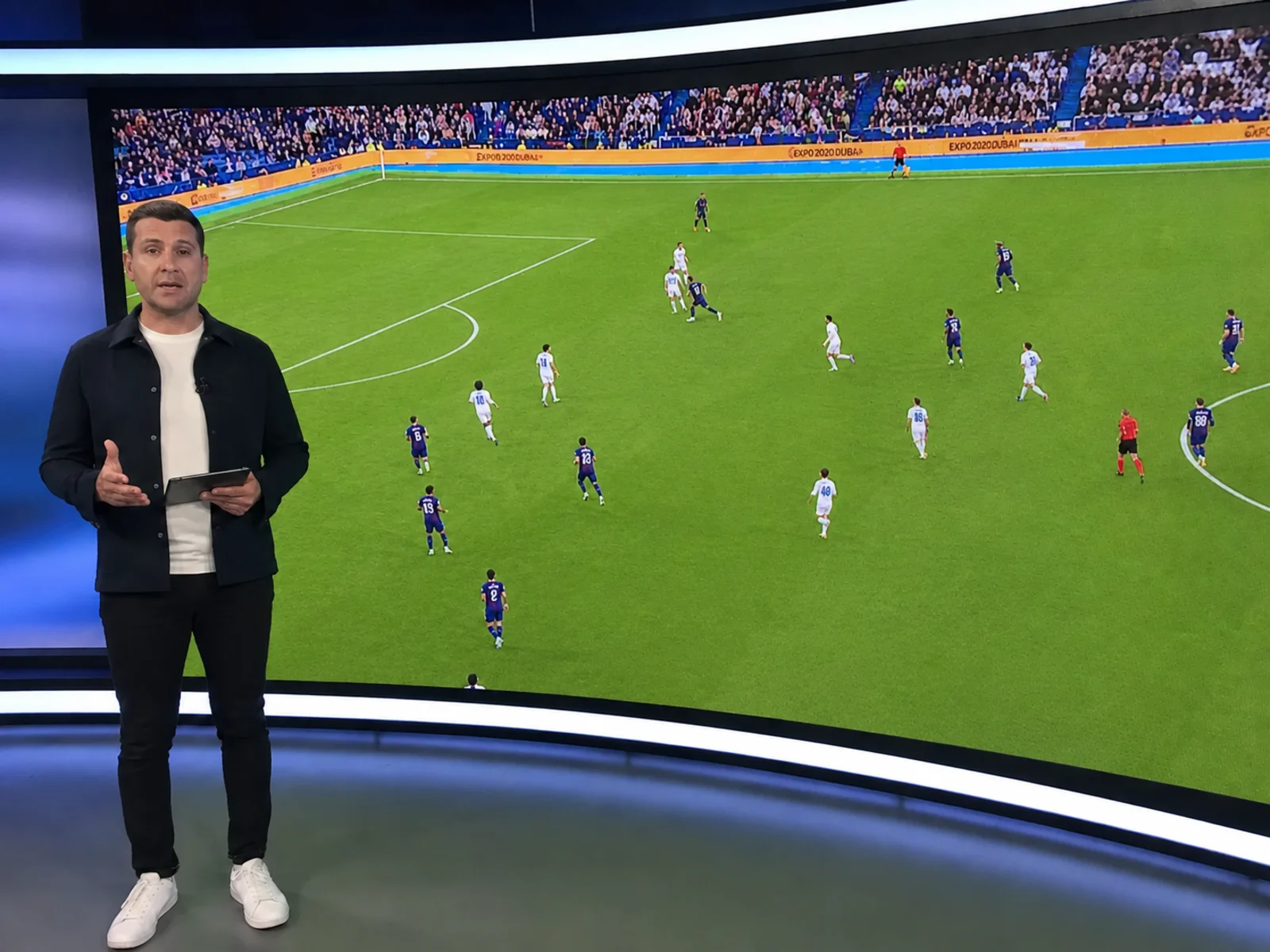
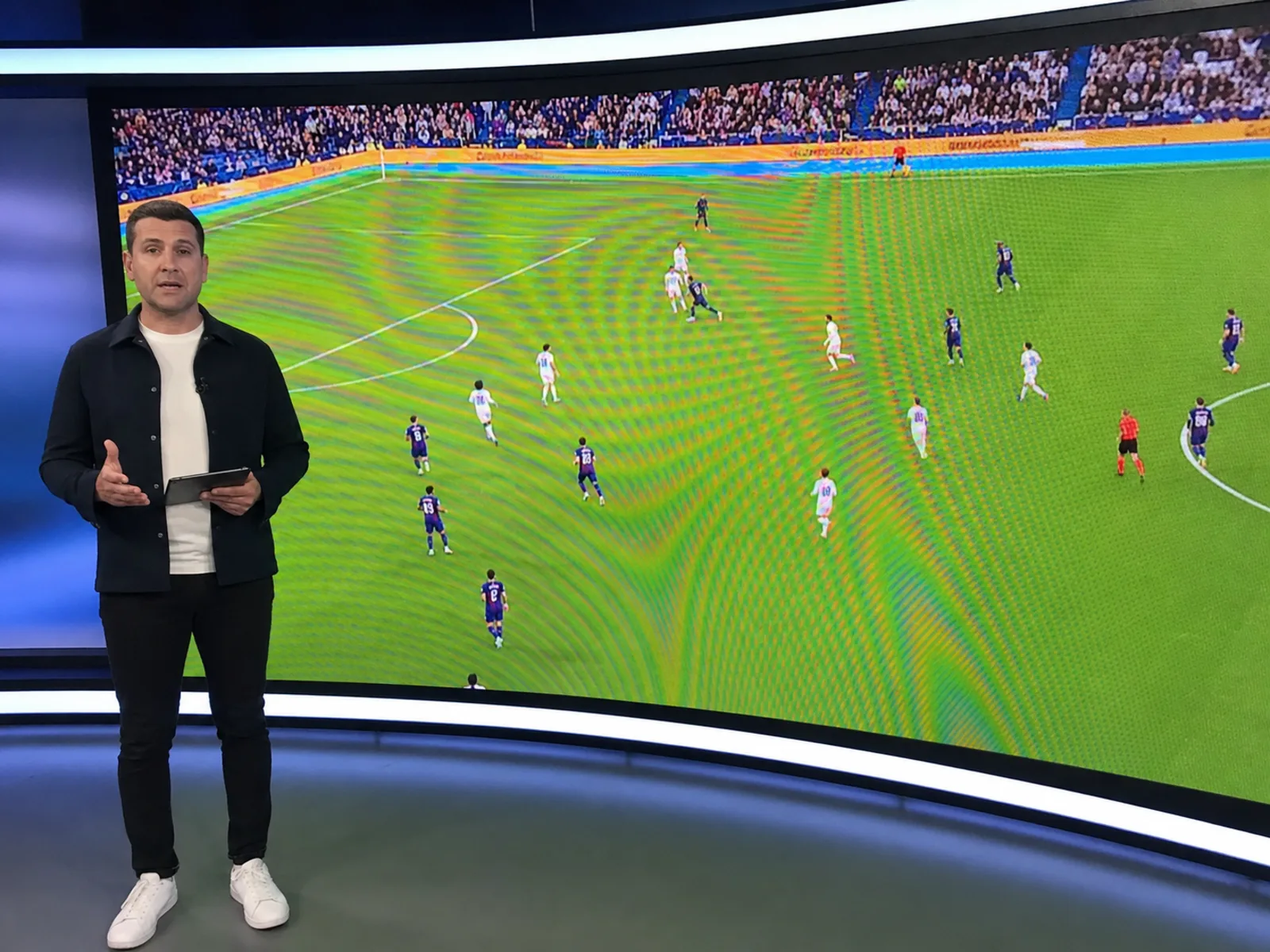
Rainbow bands from an LED wall in a broadcast capture, cleaned for thumbnail use.
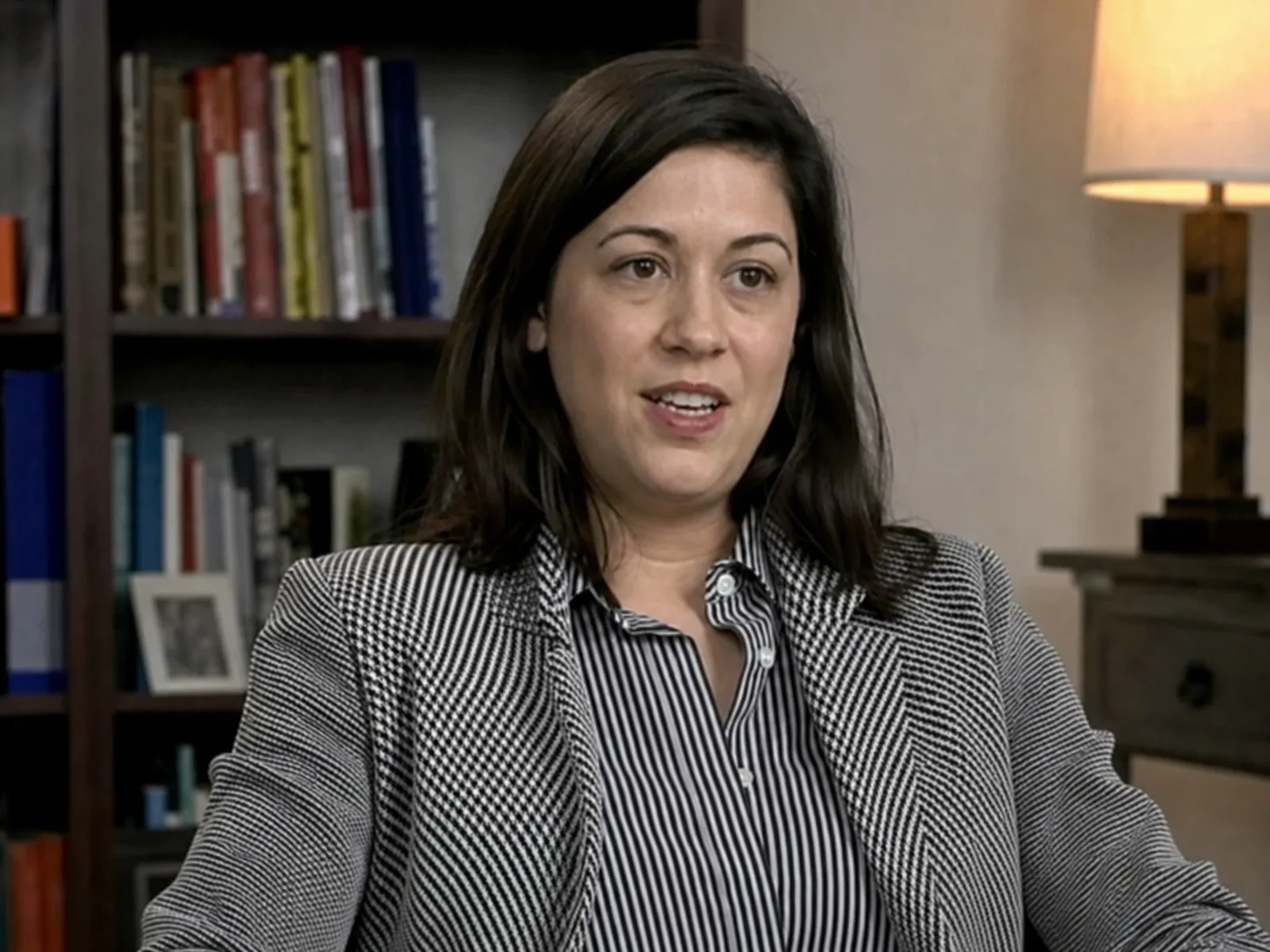
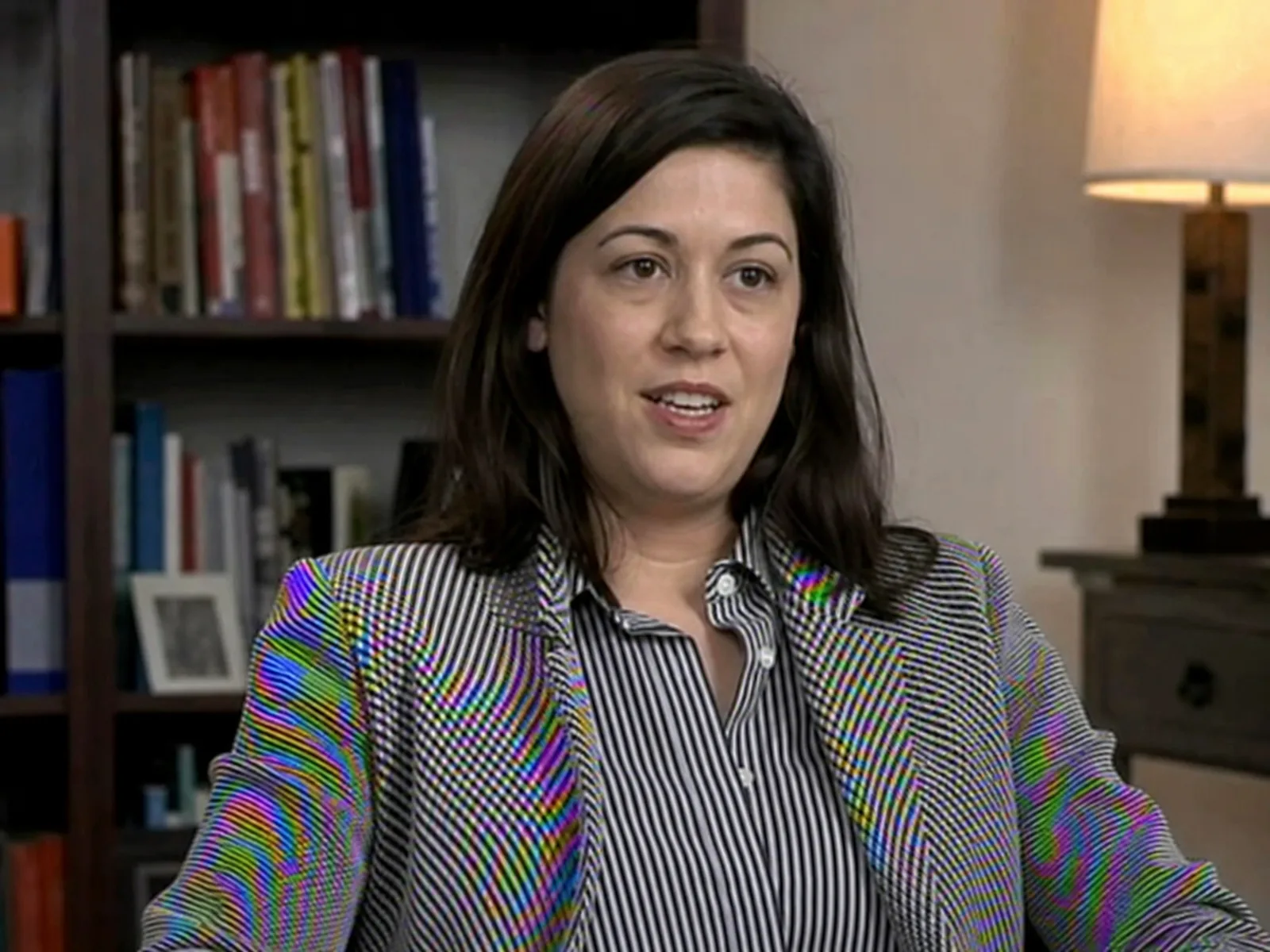
Striped shirts and patterned jackets shimmer with rainbow moire in interview and talking-head videos — removed while faces stay natural.
Why video gets moire
Video adds its own interference sources on top of the usual pixel-grid clash. These four are the ones we see most in uploaded frames.
Pointing a camera at a monitor, TV, or projector bakes pixel-grid interference into every single frame of the recording.
Exporting 4K footage to 1080p resamples fine patterns like fabric weave or brick walls, creating shimmer that was invisible in the original.
Concert and broadcast footage often includes LED panels whose diode grid interferes with the camera at certain distances.
Interlaced sources and heavy video compression add line artifacts that combine with moire into complex patterns.
Downscaling, screen recording, and re-filming all leave interference on exported frames. Fix the still directly — no re-render, no plugin hunt.
Video covers that look clean at any size.
OBS and Camtasia frames without the banding.
Movie and TV captures, interference-free.
Security stills stay sharp and readable.
Speaker frames cleaned for press and social.
HUD lines and fine textures without the shimmer.
Purpose-built AI for fixing moire patterns in video screenshots and exported frames across all video sources.
Our neural network is trained on thousands of video frame samples to detect and remove moire patterns specific to screen recordings, broadcast captures, and film stills.
Works with PNG, JPG, WebP, and other image formats commonly exported from video editing software, media players, and screen recorders.
Extracted multiple frames from a video? Upload and process them all at once. Perfect for creating clean thumbnails or frame sequences.
Supports up to 4K resolution output, matching modern video resolutions for professional-quality frame extraction.
Instantly compare original and processed frames with an interactive slider to verify moire removal quality before downloading.
Fix the exported frame directly instead of re-encoding the whole video or hunting for an editor plugin.
Process video frames directly in your browser. No need to download Photoshop, After Effects, or any desktop software.
Get your clean video frames back in 10-20 seconds with our optimized AI processing pipeline.
Your video frames are processed securely and automatically deleted after processing. We never store or share your images.
Video editors can treat moire inside the timeline, but the workflows differ a lot in effort and where they shine.
| Method | Best for | Typical effort |
|---|---|---|
| AI video moire remover (this tool)Fastest for stills | Thumbnails, stills, and key frames that need to be perfectly clean — no plugins, works in the browser. | Extract the frame, upload, download the cleaned result in about 10-20 seconds. |
| DaVinci Resolve | Full clips with moderate moire, using temporal noise reduction or OFX plugins. | Node setup and per-clip tuning; strong pixel-grid moire usually survives. See our DaVinci guide below. |
| Premiere Pro | Mild shimmer, handled with Gaussian blur plus masking or third-party plugins. | No dedicated moire filter — blur-based fixes soften the whole masked area. |
| After Effects | Shot-by-shot repair with frequency separation or channel blur on tracked masks. | Powerful but slow; practical only for short, high-value shots. |
Fix moire in your video screenshots with this simple 4-step process.
Export the frame from your video using VLC (Video > Take Snapshot), FFmpeg (ffmpeg -i video.mp4 -vf "select=eq(n\,FRAME)" -frames:v 1 frame.png), or simply take a screenshot during playback.
Drag and drop your extracted frame into the tool above, or click to browse. Supports JPG, PNG, and WebP formats from any video source.
Our neural network detects the moire pattern type (screen grid, interlacing, broadcast artifacts) and removes it while preserving the original frame content.
Preview the before/after comparison, then download your moire-free frame. Use it as a thumbnail, in presentations, or anywhere you need clean video stills.
Common questions about removing moire patterns from video screenshots and frames.
Moire appears in video screenshots when the video was recorded from a screen (monitor, TV, projector) and the camera sensor's pixel grid interferes with the display's pixel grid. This creates rainbow patterns, wavy lines, or grid-like artifacts that are baked into every frame of the recording.
There are several easy ways: VLC Player: pause the video and go to Video > Take Snapshot. FFmpeg (command line): use ffmpeg -i video.mp4 -vf "select=eq(n\,100)" -frames:v 1 frame.png to extract frame #100. Any media player: simply pause and take a screenshot. Export as PNG for best quality.
Currently, our tool processes individual image frames, not video files directly. You'll need to extract the specific frames you want to fix, process them through our AI, and then use them as standalone images. For fixing an entire video inside an editor, see our DaVinci Resolve moire removal guide — it covers OFX effects and an AI-assisted frame workflow.
The most common sources are: 1) Videos recorded by pointing a camera at a screen or monitor, 2) Screen recordings that capture another display, 3) Broadcast footage that includes LED walls or screen displays, 4) Surveillance cameras capturing scenes with monitors, and 5) Film footage shot through fine-mesh materials like window screens.
PNG is recommended for the best results as it's lossless and preserves all detail in your video frame. JPG works too but may introduce compression artifacts. Avoid heavily compressed formats — the less compression before processing, the better our AI can detect and remove the moire patterns.
The Screen Moire Remover is optimized for photos taken directly of screens with a camera. This Video Moire Remover is specifically designed for frames extracted from video content — including screen recordings, broadcast captures, film stills, and surveillance footage. The underlying AI handles both, but the workflow and guidance are tailored to video frame processing.
Neither has a dedicated moire removal effect. The usual workaround is a masked Gaussian blur or channel blur, which also softens legitimate detail. For moire inside full clips, DaVinci Resolve's temporal noise reduction plus OFX plugins is the stronger route — our DaVinci Resolve guide walks through it. For thumbnails and stills, cleaning the extracted frame here is faster and sharper.
Yes! You can upload up to 5 frames simultaneously for batch processing. This is ideal when you need to clean multiple thumbnails or create a sequence of moire-free stills from a video.
Absolutely. Our tool supports input images up to high resolution and can output processed frames in 1K, 2K, or 4K resolution. For 4K video frames, we recommend selecting the 4K output option for maximum quality preservation.
Remove moire patterns from video frames and screenshots in seconds with AI-powered processing.