
Select Resolution
Choose your output resolution: 1K, 2K, or 4K based on your needs.
Remove moire from photos online free with our AI moire remover. Fix screen photos, descreen scans, clean fabric textures instantly.
Drop your photo here or click to upload
JPG, PNG, WebP · Max 30 MB per image
HEIC/HEIF, TIFF, BMP, GIF & AVIF are converted automatically · Max 60 MB before conversion, 30 MB after.
Or try with a sample
Screen photos, scanned documents, fabric textures — our AI handles every type of moire pattern.
Remove halftone moire from scanned magazines, newspapers, research papers, and book pages. Eliminate dot patterns while keeping text sharp and readable.
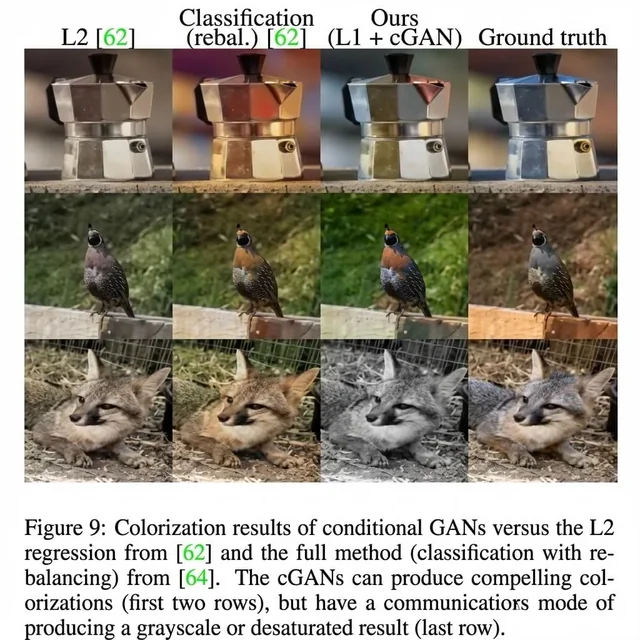
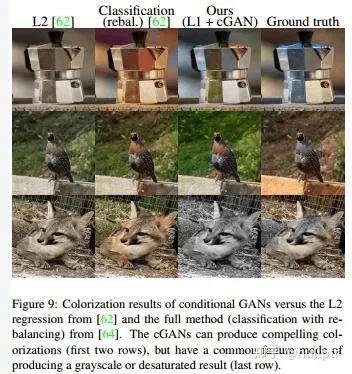
Fix rainbow interference and wavy lines from photos of computer screens, TVs, and digital displays. Achieve clean, direct-capture quality.
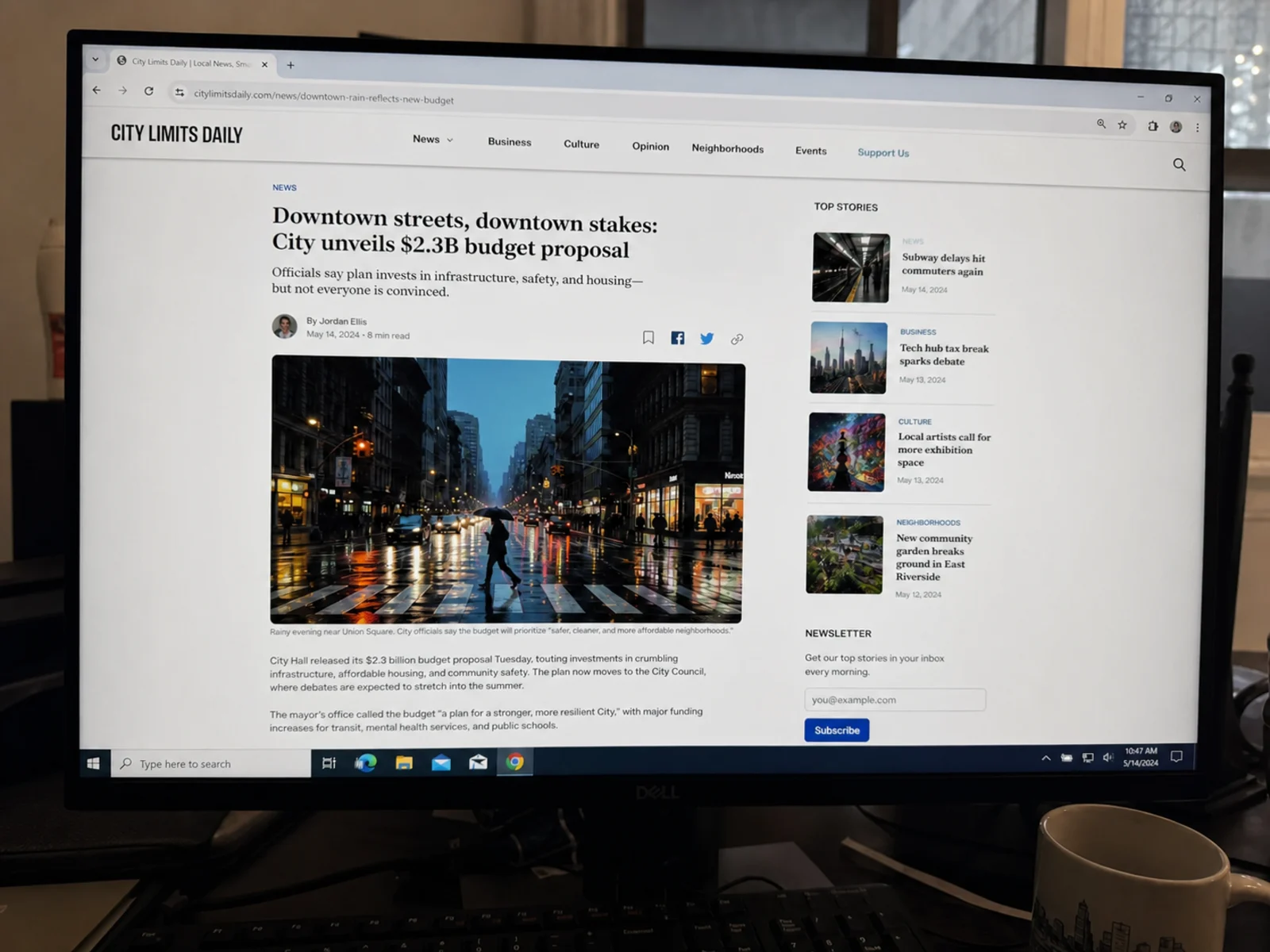
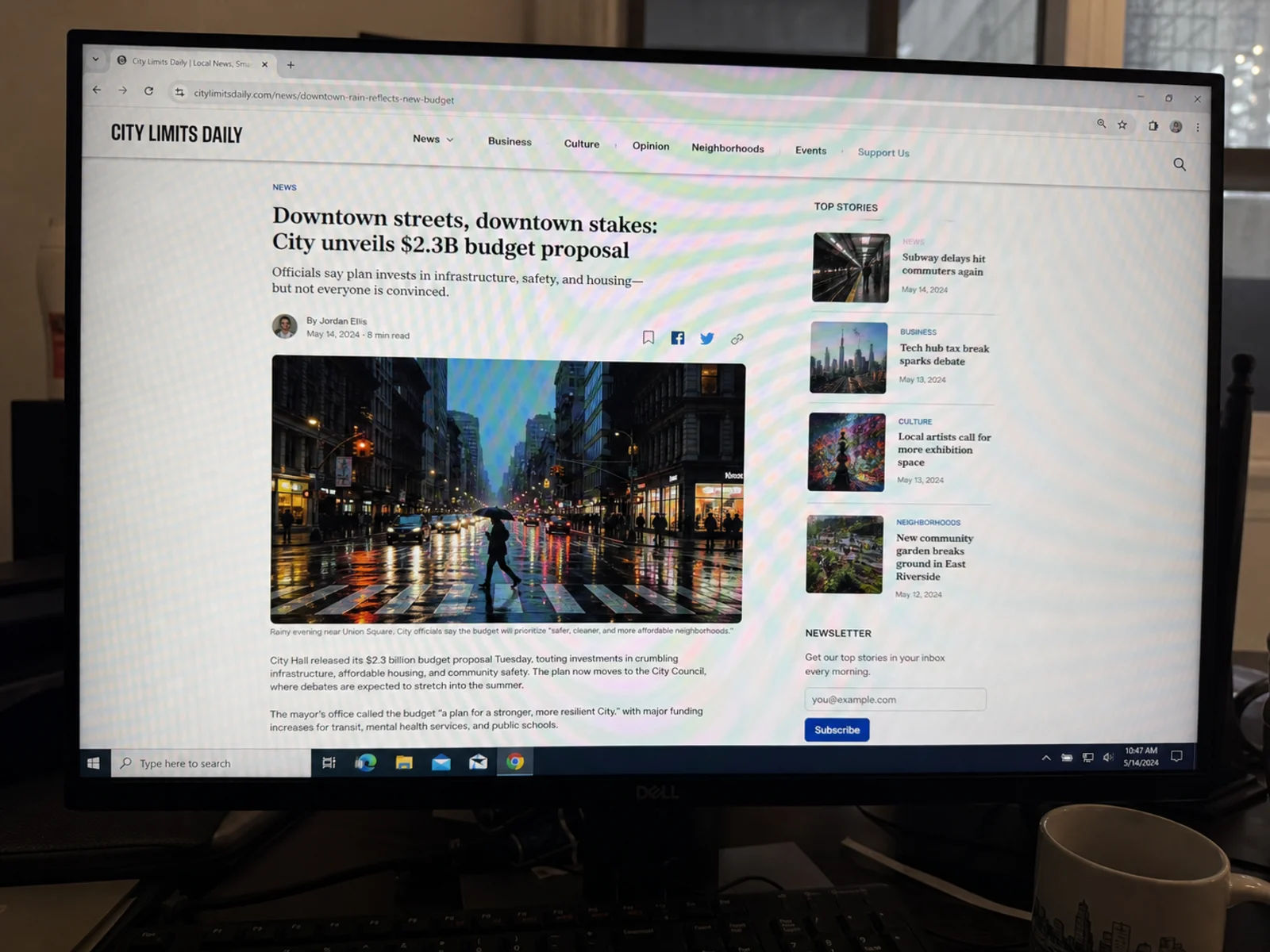
Remove halftone dots and scan moire from vintage photos, yearbooks, and magazine prints while preserving faces, faded colors, and authentic film grain.
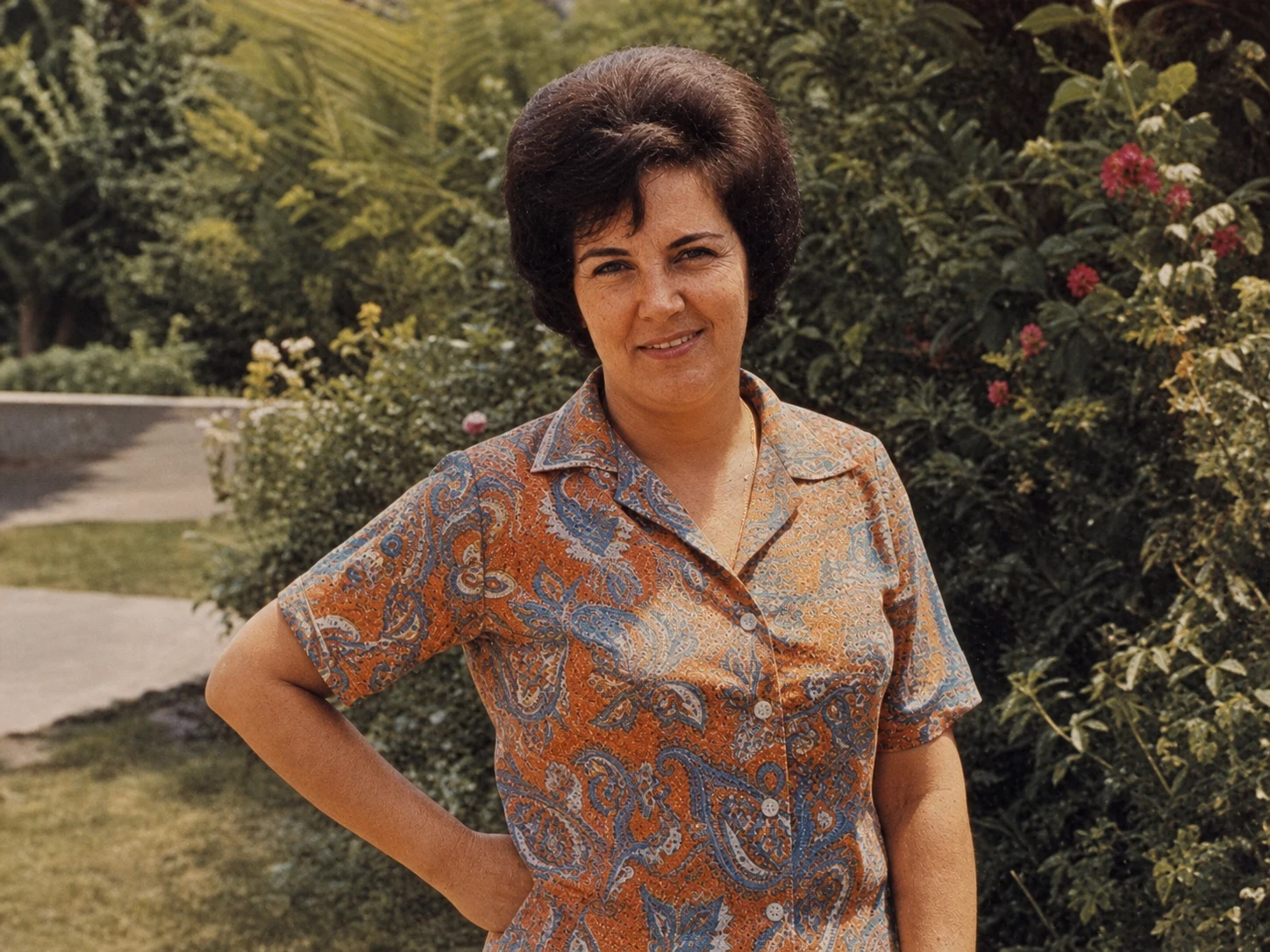
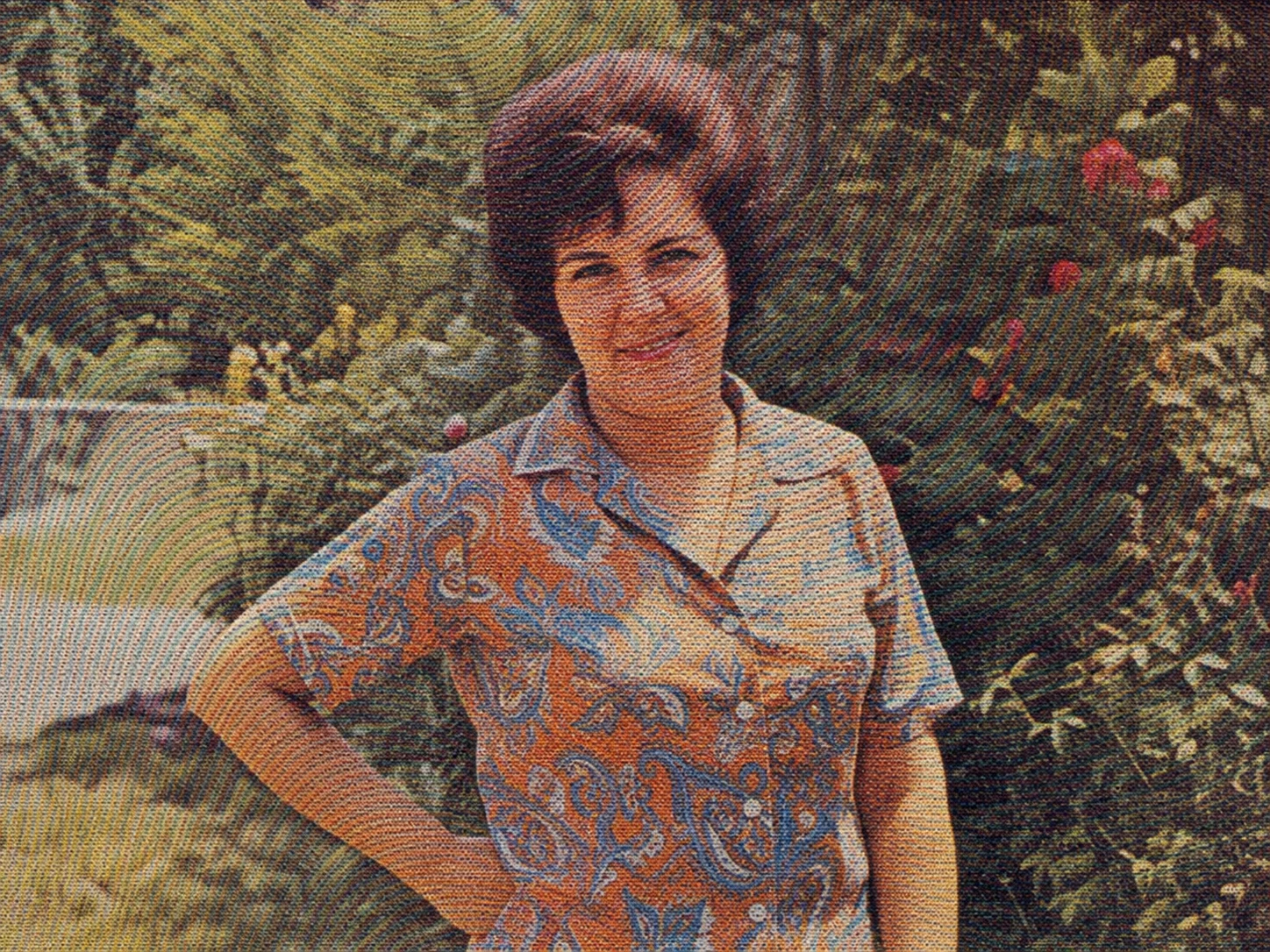
Fix moire on striped shirts, herringbone suits, and fine-weave fabrics. AI distinguishes real textile texture from moire artifacts.


Powerful AI moire removal technology to restore your photos to crystal-clear quality.
Each image is processed by an AI model with scene-specific instructions: find the moire, remove it, and keep the rest of the picture intact.
Optimized for Screen Photos (Monitors, TVs, Phones), Print Scans (Magazines, Newspapers), and Projectors.
Choose from 1K, 2K, or 4K resolution output based on your needs. Deeply optimized for both screen photos and scanned documents.
Get your moire-free images in seconds with our optimized AI processing pipeline.
Simply upload your image, select the scene type, and let our AI do the magic.
Uploads are used only to process your request and are deleted from our storage automatically within 7 days. We never publish or sell your images.
Get moire-free images in seconds with our easy process.
Choose your output resolution: 1K, 2K, or 4K based on your needs.
Drag and drop or click to upload your photo with moire patterns. JPG, PNG and WebP up to 30 MB; TIFF, HEIC, BMP, GIF and AVIF files are converted automatically in your browser.
Our AI analyzes and removes moire patterns while preserving image quality. Processing takes just seconds.
Preview the result with before/after comparison and download your moire-free image.
Have more questions? Contact us anytime.
Moire is an unwanted interference pattern (often wavy lines or rainbows) that occurs when photographing screens (pixels clashing with sensor) or scanning printed media (halftone dots clashing with scanner resolution).
It is built for two main jobs: photos of screens (rainbow and wavy interference from monitors, TVs and phones) and scans of printed material (halftone dots from magazines and newspapers). It also handles moire in fabric photos. For documents, Text Only mode removes the pattern and keeps just the text on a white background.
Most photos finish in under a minute; 4K output takes a little longer.
We support three output resolutions: 1K (standard), 2K (recommended), and 4K (professional quality). Higher resolutions preserve more details and are ideal for professional work, large prints, or detailed inspection.
Uploads travel over an encrypted connection, are used only to process your request, and are deleted from our storage automatically within 7 days. We never publish or sell your images.
1K and 2K cost 6 credits per image; 4K costs 12. New accounts get free credits to try it. Paid credits never expire, and if a job fails, the credits go back to your account automatically.
Yes. Switch to batch mode to upload up to 5 images at a time, each with its own output resolution — useful for product shots, document pages or a set of screen captures.
The AI looks at the whole image, picks out the repeating interference that isn't part of the real content, and redraws the affected areas without it. Because it redraws rather than blurs, it can clear moire that filter-based methods can't, but it can also slightly change details it cannot see clearly, such as tiny text. That is why it's worth comparing the result with your original at 100% zoom.
Demoiréing — often shortened to demoire — is the technical term for removing moire interference patterns from an image. Academic papers call the task image demoireing; this tool does the same job in one click: upload your photo and the AI demoires it automatically.
It is designed not to: the AI is instructed to remove only the moire and keep textures, colors and sharpness as they are. Because it redraws the image, though, very fine detail or tiny text can come out slightly different, and the result is generated at the 1K, 2K or 4K size you choose rather than your original pixel dimensions. Compare the result with the original at 100% before you use it.
JPG, PNG and WebP up to 30 MB. TIFF, HEIC, BMP, GIF and AVIF files up to 60 MB are converted in your browser before upload. Results download as PNG at the 1K, 2K or 4K size you choose, not at the exact pixel dimensions of your original.
The moire effect is a visual artifact that appears as wavy lines, rainbow patterns, or grid-like interference when two repetitive patterns overlap. It commonly occurs when photographing screens, scanning printed materials, or shooting fine fabrics. Read our full guide on what moire patterns are and why they appear.
Yes, you can try it for free: new accounts get free credits, with no payment or card needed. After that, you can buy a credit pack, and paid credits never expire. If a job fails, the credits are returned automatically.
Moire removal typically refers to fixing interference patterns from screen photos (monitors, TVs, phones). Descreening specifically means removing halftone dot patterns from scanned printed materials like magazines or newspapers. Our tool handles both.
Absolutely! Our AI is optimized for screen photography. It removes rainbow interference, wavy lines, and color banding from photos of computer monitors, televisions, projectors, and smartphone screens.
Get crystal-clear images in seconds with our AI-powered tool.